

Procare Solutions reviews are positive on software review sites. Procare holds a 4.6 out of 5 rating from more than 2,800 reviews on Capterra, and reviewers consistently credit it with putting attendance, billing, and parent communication in one system.
The complaints are consistent too: sync problems between devices, glitches and unexpected logouts, payment fees, rigid reporting, and long waits when support is busy.
This guide brings together what Procare reviews say across Capterra, GetApp, G2, Software Advice, Google Play, and the Better Business Bureau (BBB), and what that means if you are evaluating Procare for your center.
Best for
Directors evaluating Procare
Covers
Ratings by site, strengths, complaints, support, app reviews, reviews by role, and a demo checklist
Based on
Capterra, GetApp, Software Advice, G2, Google Play, Trustpilot, and the BBB (Better Business Bureau)
Updated
November 2026
Key takeaways
- Procare holds a 4.6 out of 5 rating from 2,809 reviews on Capterra, and GetApp and Software Advice show the same reviews.
- Reviewers credit it with putting attendance, billing, and parent communication in one system, and attendance management is its highest-rated feature.
- Ease of use is its lowest sub-score, in line with comments about the learning curve.
- Common complaints are device sync, glitches and logouts, payment fees, rigid reporting, and long waits when support is busy.
- G2 reviewers report about one month to implement Procare and a return on investment in about five months.
What is Procare?
Procare Solutions, often called Procare Software or just Procare, is one of the oldest childcare management software companies in the US. Jeffrey Blum founded it in 1992 after writing an accounting program for his son's daycare, and the company is headquartered in Denver, Colorado.
Procare covers the core of center operations: family billing and payments, attendance and check-in, parent communication and daily reports, staff management, and reporting. Families use the Procare app to check in, see updates and photos, and pay tuition.
A few facts about the company that matter when you read Procare reviews:
- Procare sells more than one product, mainly Procare Online (cloud based) and Procare Desktop (installed software), plus SchoolCare Works for school-age programs
- Payments run through Tuition Express, Procare's payment processing service
- Roper Technologies agreed to acquire Procare in January 2024 from Warburg Pincus and TA Associates, for about $1.75 billion net, according to Roper
- Procare announced its acquisition of Playground in September 2026, and earlier bought KidReports, Kinderlime, and ChildPlus
- Procare says it serves more than 40,000 customers
Because reviews span several products and many years, some complaints apply to older desktop versions and some to the newer online platform. It is worth checking which product a reviewer used. For what Procare costs, see our guide to Procare pricing, and for the Playground deal, see what Procare's acquisition of Playground means for centers.
Procare reviews at a glance
Here is how Procare rates across the main review platforms as of November 2026.
| Platform | Rating | Number of reviews | Who mostly reviews there |
| Capterra | 4.6 out of 5 | 2,809 | Center owners, directors, teachers |
| GetApp | 4.6 out of 5 | 2,809 (same network as Capterra) | Center owners, directors, teachers |
| Software Advice | 4.6 out of 5 | 2,809 (same network as Capterra) | Center owners, directors, teachers |
| G2 | 4.4 out of 5 | 399 | Program staff and administrators |
| Google Play (Procare app) | 4.6 out of 5 | About 50,700 | Parents and staff |
| Trustpilot | No reviews | 0 | Not applicable |
| BBB | A+ rating, accredited since April 2024 | 12 complaints in 3 years | Customers with complaints |
Capterra, GetApp, and Software Advice are part of the same review network and show the same 2,809 reviews, so they are not three independent samples. G2 is a separate pool with a slightly lower average.
Procare has no reviews on Trustpilot, and its BBB profile shows 12 complaints over three years. Unlike some competitors, there is no large body of negative parent reviews pulling in the other direction.
Procare child care management software reviews: the scores
GetApp, Capterra, and Software Advice break Procare's rating into categories. All of them land in the mid 4s, with customer support scoring slightly higher than ease of use.
| Category | Rating | Source |
| Customer support | 4.6 on GetApp and Capterra, 4.55 on Software Advice | GetApp, Capterra, Software Advice |
| Value for money | 4.5 on GetApp, 4.48 on Software Advice | GetApp, Software Advice |
| Features | 4.4 | GetApp |
| Ease of use | 4.4 on GetApp and Capterra, 4.43 on Software Advice | GetApp, Capterra, Software Advice |
| Attendance management | 4.7 | GetApp feature rating |
| Billing and invoicing | 4.5 | GetApp feature rating |
| Daily reports | 4.5 | GetApp feature rating |
Ease of use is the lowest sub-score, and it lines up with what written reviews say about the learning curve and the number of settings to configure. Attendance management is the highest-rated feature, which fits Procare's long history with check-in and compliance tracking.
Rating distribution
Of Procare's 2,809 reviews on GetApp, about 1,900 are 5-star and 734 are 4-star. Around 150 are 3-star, and about 30 are 1 or 2 stars.
In other words, about 94% of reviewers on that network give Procare 4 or 5 stars. The complaints below come up repeatedly, but they come from a minority of reviewers.
Procare software reviews: what users like
Across Capterra, GetApp, and G2, the same strengths come up most often:
All-in-one system
Billing, attendance, daily reports, and family records live in one place, so directors are not juggling separate tools
Attendance and check-in
Reviewers value digital sign-in and the ratio and capacity tracking that comes with it
Billing and reporting
G2 reviewers single out reporting and billing as reasons they chose Procare
Parent communication
Real-time updates and messaging help families feel connected during the day
Waitlist and capacity tools
Capterra reviewers mention them as useful for managing enrollment
Track record
Long-time users say Procare has kept up with upgrades over the years
G2 also reports that Procare users take about one month to implement it and see a return on investment in about five months. Those are G2's figures based on reviewer responses.
Common Procare complaints
The negative themes are consistent across platforms:
Syncing between devices
Reviewers describe problems keeping the kiosk, desktop, and teacher devices in sync
Glitches and logouts
Some users report bugs and being logged out unexpectedly
Payment fees
GetApp's summary lists high payment fees and problems with payments posting correctly
Billing complexity
Some reviewers find billing setup confusing
Rigid reporting
Users ask for more customizable reports and easier data exports
Learning curve
New admins say there is a lot to learn before the system feels comfortable
Messaging limits
Reviewers want reactions, easier photo sharing, and fewer emails sent to parents
Daily reports
Some teachers want a faster way to edit reports for a whole classroom at once
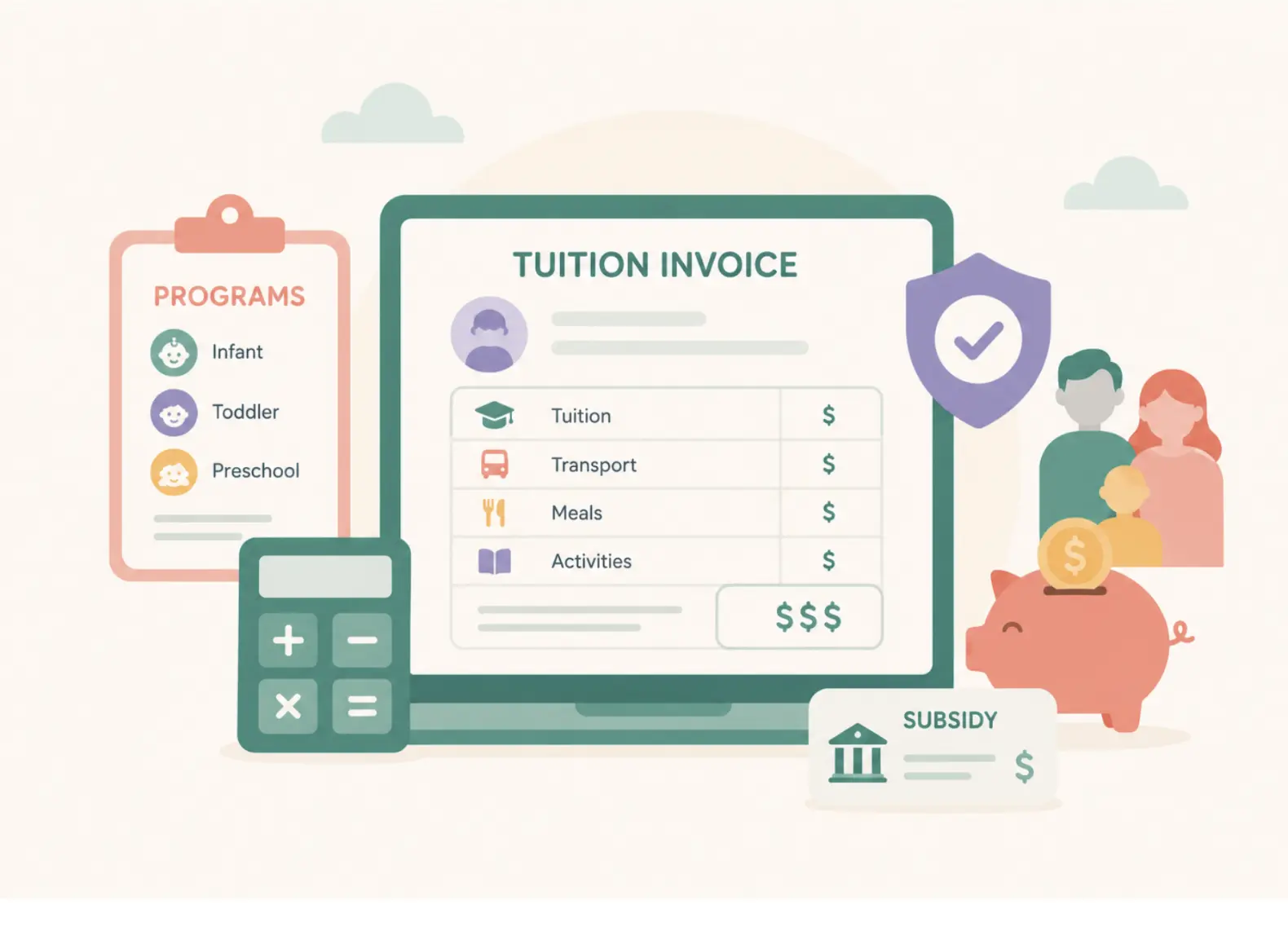
Billing appears on both lists. Centers like having billing tied to attendance and family records, but fees and setup are where much of the frustration sits. If billing is your main concern, our guide to Procare alternatives for childcare billing looks at other options.
Procare Solutions customer support reviews
Customer support is the most mixed part of Procare's reviews, even though its support score is one of its highest.
What support Procare offers
According to Procare's support site, support works like this:
| Product | Chat | Phone | Hours (Eastern Time) | |
| Procare Desktop | Tucker chat, after login | (800) 964-1729 | support@procaresoftware.com | Monday to Friday, 7 a.m. to 7 p.m. |
| Procare Online | Tucker chat, after login | (800) 964-1729 | support@procaresoftware.com | Monday to Friday, 7 a.m. to 7 p.m. |
| SchoolCare Works | Not listed | Not listed | scwsupport@procaresoftware.com | Monday to Friday, 7 a.m. to 7 p.m. |
Tucker, Procare's support chat, gives AI-generated answers at any time. Live help through Tucker is available during business hours for Procare Desktop and Procare Online customers.
What reviewers say about support
On Capterra, Procare's customer service score is 4.6, and GetApp's summary describes support as responsive and knowledgeable, with several ways to get in touch.
The same summary notes that some users report slow responses. G2's review summary puts it more directly: reviewers mention inconsistent access to support and long waits during busy periods.
The pattern across reviews is that support quality is rated well once you reach someone, but how quickly you reach someone varies. If your center runs early or late hours, note that live support is Monday to Friday, 7 a.m. to 7 p.m. Eastern Time.
Procare app reviews
The Procare: Childcare App is used by families and staff, so app store reviews reflect both groups.
| What the listing shows | |
| Google Play rating | 4.6 from about 50,700 reviews |
| Downloads on Google Play | 1 million or more |
| Last updated | August 27, 2026 |
| Procare's own claim | More than 2 million app downloads, per a 2022 Procare press release |
Parents who rate the app highly mention its clean layout and how quickly they get updates and photos from the classroom.
The negative app reviews focus on a few recurring issues:
- Push notifications not arriving
- Being logged out unexpectedly, and friction logging back in
- Messages not being available on the web, only in the app
Procare's replies to negative reviews usually suggest clearing the app cache or contacting the child's center, since the center controls many account settings.
Procare reviews by role
Procare reviews read differently depending on who wrote them. Here is how the main themes break down.
| Reviewer | What they praise | What they complain about |
| Owners and directors | All-in-one system, billing tied to attendance, reporting | Payment fees, billing setup, rigid reports, support wait times |
| Teachers | Quick check-in, easy daily updates and photos | Device sync issues, editing reports one child at a time |
| Parents | Fast updates and photos, easy tuition payment | Missed notifications, logouts, messages not on the web |
According to GetApp, 86% of Procare reviewers use it for daycare, and the largest group works in education management. So most of the review data reflects center operations, not parents.
What to check in a Procare demo
Use the review themes as a checklist. These questions are most worth asking:
- Which product are we buying, Procare Online or Procare Desktop, and what is the roadmap for it after the Playground acquisition?
- What are the card and ACH (automated clearing house) processing rates through Tuition Express, and who pays them?
- How do kiosks, desktops, and teacher tablets stay in sync, and what happens when the internet drops?
- Can we build custom reports and export data in the formats our accountant uses?
- Can teachers edit daily reports for a whole classroom at once?
- What support hours and channels come with our plan, and how are urgent billing issues escalated?
If you are comparing Procare with other platforms, our Procare vs Playground comparison and our Brightwheel vs Lillio vs Procare guide look at the main options side by side. You can also compare with our Brightwheel reviews roundup.
Where illumine fits
illumine is an AI-native childcare management platform used by more than 4,000 centers across 60+ countries, rated 4.5 on G2 from more than 100 reviews. It is built around the areas where Procare reviewers most often ask for more:
- Billing with automated invoicing, autopay, and subsidy tracking, built into the same system as attendance
- Parent communication with AI-assisted daily reports, so teachers spend less time writing updates
- Reporting and multi-site management for operators running more than one center
Read our direct illumine vs Procare comparison, or see our Procare alternative page for how switching works.
Disconnected tools are a common reason centers switch platforms. Guidepost Montessori, which moved its US network to illumine, described what came before:
"Previously, many processes relied on manual work across disconnected tools, from updating data between systems to calculating seat availability through spreadsheets and custom solutions. It worked, but only because people were holding it together." Matthew Sears, Senior Vice President, Technology, Guidepost Montessori, in illumine's Rethinking Montessori Operations white paper
Why trust this article
This article is built from public sources only: Procare's website and support site, verified review data from Capterra, GetApp, Software Advice, and G2, the Procare listing on Google Play, Procare's public BBB profile, and public announcements from Roper Technologies and Procare. We have not used Procare hands-on.
Review summaries on GetApp and G2 are partly generated by those platforms from user reviews, and we have attributed them accordingly. Figures that come from Procare itself, such as its customer count, are labeled as Procare's own claims.
Customer and expert quotes come from illumine's published white papers and are attributed to the named speaker.
Frequently asked questions on Procare reviews
What is Procare?
Procare, also called Procare Solutions or Procare Software, is a childcare management software company founded in 1992 and based in Denver, Colorado. Its software handles billing and payments, attendance and check-in, parent communication, staff management, and reporting for childcare centers, preschools, and school-age programs. Roper Technologies agreed to acquire Procare in 2024.
Is Procare good software?
On software review sites, Procare is well rated, with 4.6 out of 5 from more than 2,800 reviews on Capterra and 4.4 out of 5 on G2. Reviewers praise its all-in-one design, attendance tracking, and billing. The most common complaints are device syncing, glitches, payment fees, rigid reporting, and support wait times.
What do Procare Solutions customer support reviews say?
Procare's customer support is rated 4.6 out of 5 on Capterra and GetApp, and reviewers generally describe support staff as knowledgeable once reached. Some reviewers report long waits and inconsistent access during busy periods. Live support runs Monday to Friday, 7 a.m. to 7 p.m. Eastern Time, with an AI chat assistant available at other times.
What are the most common Procare complaints?
The most common Procare complaints are syncing problems between kiosks, desktops, and teacher devices, glitches and unexpected logouts, high payment processing fees, confusing billing setup, limited report customization, and slow support responses. In the parent app, the main complaints are missed push notifications and login issues.
Is the Procare app free for parents?
Families download the Procare app at no cost, and the childcare center pays for the software. Parents may see fees when they pay tuition online, depending on how the center sets up payments through Procare's Tuition Express service and which payment method they use.
Who owns Procare?
Procare is owned by Roper Technologies, which agreed to acquire it in January 2024 from private equity firms Warburg Pincus and TA Associates. Procare has also made its own acquisitions, including KidReports, Kinderlime, ChildPlus, and Playground, which it announced in September 2026.
What are good Procare alternatives?
Centers comparing Procare often look at illumine, Brightwheel, Lillio, and Playground. They differ in pricing model, billing depth, reporting, and support hours, so compare them on the features your center relies on most, such as billing, parent communication, or multi-site reporting.