

Brightwheel reviews are strongly positive on software review sites. Brightwheel holds a 4.7 out of 5 rating from more than 3,250 reviews on Capterra, and reviewers consistently praise how easy it is to use and how well it keeps families connected.
The complaints are just as consistent: payment processing fees, billing flexibility, overwhelming notifications, and difficulty reaching a person when something goes wrong. On Trustpilot, where most reviewers are parents and a smaller share are providers, the picture is far more negative.
This guide pulls together what Brightwheel reviews say across Capterra, GetApp, G2, Google Play, Trustpilot, and the Better Business Bureau (BBB), and what that means if you are evaluating it for your center.
Best for
Directors evaluating Brightwheel
Covers
Ratings by site, strengths, complaints, support, app reviews, and a demo checklist
Based on
Capterra, GetApp, G2, Google Play, Trustpilot, and the BBB (Better Business Bureau)
Updated
November 2026
Key takeaways
- Brightwheel holds a 4.7 out of 5 rating from more than 3,250 reviews on Capterra.
- Reviewers praise its ease of use and parent communication most often.
- Payment processing is its lowest-rated feature, and fees and billing flexibility are the most common complaints.
- Its 1.3 rating on Trustpilot comes mostly from parents, a different group from the directors and teachers on software review sites.
- Use the review themes as a demo checklist: processing rates, credits and invoice edits, financial reports, notifications, and support hours.
What is Brightwheel?
Brightwheel is a childcare management software platform for preschools, childcare centers, in-home daycares, camps, afterschool programs, and Montessori schools. It was founded in 2014 by Dave Vasen and is based in San Francisco.
The platform combines billing and payments, parent communication, attendance and check-in, lesson planning and assessments, staff scheduling, and enrollment tools in one system. Families use the Brightwheel parent app to see daily reports and photos, message teachers, and pay tuition.
Brightwheel offers a free plan for very small programs and a paid plan called Brightwheel Premium. For what each plan costs and includes, see our guide to Brightwheel pricing.
Brightwheel reviews at a glance
Here is how Brightwheel rates across the main review platforms as of November 2026.
| Platform | Rating | Number of reviews | Who mostly reviews there |
| Capterra | 4.7 out of 5 | 3,250+ | Program owners, directors, teachers |
| GetApp | 4.7 out of 5 | 3,257 | Program owners, directors, teachers |
| G2 | 4.6 out of 5 | 170 | Program staff, mostly small organizations |
| Google Play (Brightwheel app) | 4.8 out of 5 | About 11,400 | Parents and staff |
| Trustpilot | 1.3 out of 5 | 309 | Parents and some providers |
| BBB | A+ rating, not accredited | 11 complaints in 3 years | Parents and providers with complaints |
The gap between platforms is the first thing to understand. Capterra, GetApp, and G2 mostly collect reviews from program owners, directors, and teachers. Trustpilot and the BBB tend to attract people with a problem to report, and many are parents.
Brightwheel childcare management software review: the scores
Capterra and GetApp break Brightwheel's rating down by category. The scores are high across the board, with one clear weak spot.
| Category | Rating | Source |
| Ease of use | 4.6 | Capterra and GetApp |
| Customer service | 4.6 | Capterra and GetApp |
| Value for money | 4.6 on GetApp, 4.5 on Capterra | GetApp and Capterra |
| Features | 4.5 | Capterra and GetApp |
| Parent portal | 4.5 | GetApp feature rating |
| Alerts and notifications | 4.4 | GetApp feature rating |
| Communications and daily reports | 4.3 | GetApp feature rating |
| Attendance tracking | 4.2 | GetApp feature rating |
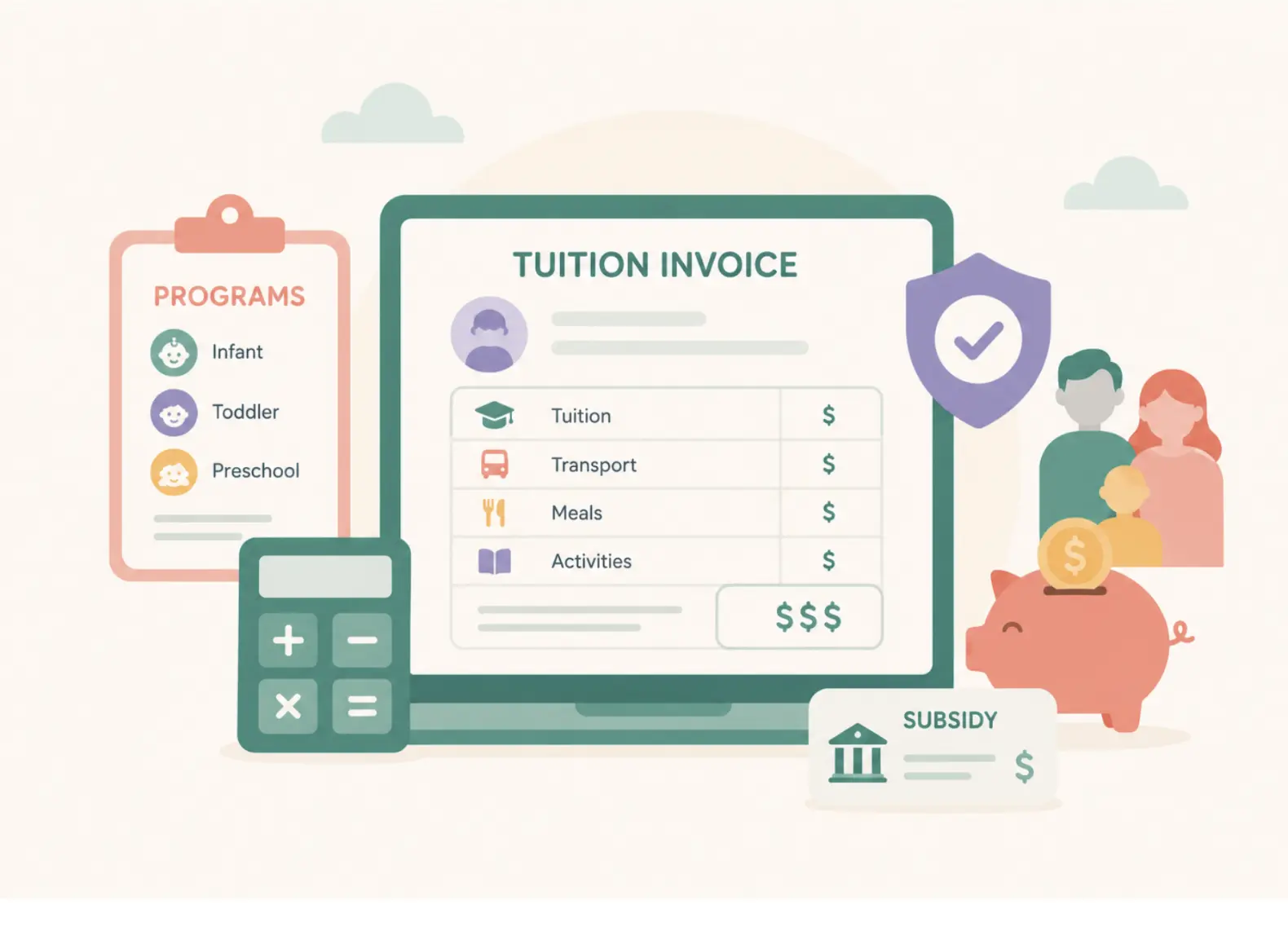
| Payment processing | 3.8 | GetApp feature rating |
Payment processing is the lowest-rated feature by a wide margin. GetApp's summary ties that score to concerns about transaction fees and managing subsidy payments, which matches the complaints you see in written reviews.
Rating distribution
Of Brightwheel's 3,257 reviews on GetApp, about 2,300 are 5-star and about 830 are 4-star. Only around 100 are 3-star, and roughly 20 are 1 or 2 stars.
That is an unusually low share of negative reviews for software in this category. It also means the complaints below come from a small minority of software site reviewers, even if they are repeated often.
What reviewers like about Brightwheel
Across Capterra, GetApp, and G2, the same strengths come up again and again:
Ease of use
Reviewers describe the interface as clean and intuitive, and say teachers pick it up quickly
Parent communication
Real-time updates, photos, videos, and messaging keep families connected through the day
Everything in one place
Attendance, daily reports, billing, and records live in a single system
Less paperwork
Directors say it saves staff time compared with paper daily sheets
Onboarding
G2 reviewers say switching from tools like Procare, Tadpoles, or Jackrabbit is generally straightforward, with help on roster uploads
Value for small programs
GetApp's summary notes reviewers appreciate the free version and bundled features
Common Brightwheel complaints
The negative themes are narrower, but they show up across every review platform:
Fees
Some reviewers find Premium plans and transaction fees expensive, and mention unexpected price increases
Billing flexibility
G2 reviewers ask for easier account credits, invoice edits, miscellaneous charges, and payment plan changes
Financial reporting
Requests for more detailed reports on billing, payments, fees, and accounting
Notifications
GetApp lists overwhelming or irrelevant alerts as the top con
Messaging
Reviewers want read receipts, easier group messaging, and searchable message history
Setup quirks
Capterra reviewers mention difficulty setting up rooms for split morning and afternoon schedules
Occasional glitches
Some reviewers report bugs or connectivity issues, especially with check-in and payments
Billing comes up in both lists. Centers like having billing inside the same app families already use, but the details of fees and flexibility are where most frustration sits.
Brightwheel customer support reviews
Customer support is one of the most searched questions about Brightwheel, and the reviews are split depending on where you look.
What support Brightwheel offers
According to Brightwheel's help center, support works like this:
| Support channel | Who can use it | When |
| AI chatbot | All users | Any time |
| Live chat with a support specialist | Administrators on Brightwheel Premium | Business hours, 9 AM to 6 PM Eastern Time |
| Leave a message | All users | Any time, answered when the team is online |
| Admins and staff, and student contacts through separate addresses | Any time | |
| Help Center articles | All users | Any time |
Brightwheel's website states that customers can connect to a live person via chat in under 30 seconds and cites a 95% customer satisfaction rating. Those are Brightwheel's own figures.
What reviewers say about support
On software review sites, support reviews are mostly positive. Capterra rates Brightwheel's customer service 4.6, and GetApp's summary says users generally find support responsive, helpful, and clear, and value the tutorials and live help.
A smaller group on GetApp reports slow replies, trouble reaching live support, and occasional canned answers. G2's summary makes a similar point: support is described as friendly and knowledgeable, but some teams find it hard to get a timely answer when they need help quickly.
On Trustpilot, support is the main complaint. Reviewers there describe trouble reaching a person, scheduled and time-limited support calls, and slow email replies, often in connection with a billing dispute.
The practical takeaway: if fast human support matters to you, confirm during your demo what support your plan includes, what the hours are, and how billing disputes are escalated.
Brightwheel app reviews
The Brightwheel app is used by administrators, teachers, and families, so app store reviews reflect all three groups.
| What the listing shows | |
| Google Play rating | 4.8 from about 11,400 reviews |
| Downloads on Google Play | 1 million or more |
| Last updated | October 7, 2026 |
| Brightwheel's own claim | 4.9 stars from 160,000+ reviews across app stores and review sites |
Brightwheel childcare app reviews from parents
Parents on Google Play mostly praise the daily activity logs for meals, naps, and lessons, along with class photos. Many also say tuition payments and digital sign-in are quick and reliable.
The negative app reviews focus on a few areas:
- Payment confusion between two guardian accounts, and higher than expected card fees
- Accounts logging out unexpectedly
- Staff timecards not working consistently, as reported by one staff user
- Too many notifications, including notifications about notifications
Why Brightwheel ratings differ so much by site
A 4.7 on Capterra and a 1.3 on Trustpilot can both be accurate, because they measure different groups of people.
- Capterra, GetApp, and G2 verify reviewers and collect reviews mainly from program staff
- Trustpilot accepts reviews from anyone, and many Brightwheel reviews there come from parents with billing or fee complaints
- Trustpilot notes Brightwheel has had only 11 reviews in the last 12 months and has not replied to negative reviews
- The BBB profile shows 11 complaints in the last three years, which is small relative to the number of programs using Brightwheel
For a director, the software review sites are the better guide to day-to-day product quality. Trustpilot and BBB are still worth reading, because they show what happens when billing goes wrong and families get involved.
Brightwheel daycare software reviews: what to check in your demo
Use the review themes as a checklist. These are the questions most worth asking:
- What are the card and ACH (automated clearing house) processing rates on our plan, and who pays them?
- How do we issue credits, edit invoices, and change a family's payment plan?
- What financial reports are available for reconciliation and accounting?
- Can we control which notifications families and staff receive?
- What support hours and channels come with our plan, and how are billing disputes handled?
- How do we set up split schedules, such as morning and afternoon rooms?
If you are comparing Brightwheel with other platforms, our guide to the best Brightwheel alternatives covers the main options, and our Brightwheel vs Lillio vs Procare comparison looks at three platforms side by side.
Where illumine fits
illumine is an AI-native childcare management platform used by more than 4,000 centers across 60+ countries, rated 4.5 on G2 from more than 100 reviews. It covers the same core areas Brightwheel reviewers value, including parent communication and billing in one place:
- Parent communication with AI-assisted daily reports, so teachers spend less time writing updates
- Billing with automated invoicing, autopay, and subsidy tracking
- Multi-site management for operators running more than one center
See how it works on our parent communication page, or read our direct Brightwheel vs illumine comparison. If you are ready to switch, our Brightwheel alternative page covers migration.
For operators running several centers, the system also has to show what is happening across locations. As one multi-site leader put it:
"From a site or regional leadership perspective, what truly elevates day-to-day operations is visibility, being able to see how each center is performing, where support is needed, and how teams are progressing, without having to piece information together from multiple sources." Rajesh Kumar, Co-Founder and CEO, Kids Kingdom, in illumine's Childcare Enrollment Report 2026
Why trust this article
This article is built from public sources only: Brightwheel's website and help center, verified review data from Capterra, GetApp, and G2, the Brightwheel listing on Google Play, and public profiles on Trustpilot and the BBB. We have not used Brightwheel hands-on.
Review platform summaries on GetApp and G2 are partly generated by those platforms from user reviews, and we have attributed them accordingly. Figures that come from Brightwheel itself, such as support response times, are labeled as Brightwheel's own claims.
Customer and expert quotes come from illumine's published white papers and are attributed to the named speaker.
Frequently asked questions on Brightwheel reviews
What is Brightwheel?
Brightwheel is a childcare management software platform for preschools, childcare centers, in-home daycares, camps, and afterschool programs. Founded in 2014 by Dave Vasen in San Francisco, it combines billing, parent communication, attendance, lesson planning, and staff tools, with a parent app families use for updates and tuition payments.
Is Brightwheel good?
On software review sites, Brightwheel is highly rated, with 4.7 out of 5 from more than 3,250 Capterra reviews. Reviewers praise its ease of use and parent communication. The most common complaints involve payment processing fees, billing flexibility, notifications, and reaching support quickly.
What do Brightwheel customer support reviews say?
Software review sites rate Brightwheel's customer service 4.6 out of 5, and most reviewers describe support as responsive and helpful. A smaller group reports slow replies or trouble reaching a live person, and support is the main complaint on Trustpilot. Live chat is available to Premium administrators during business hours.
Why does Brightwheel have a low Trustpilot rating?
Brightwheel's Trustpilot score of 1.3 comes from 309 reviews, many from parents with billing or fee complaints, and only 11 were posted in the last 12 months. Trustpilot accepts reviews from anyone, while Capterra and GetApp verify reviewers who are mostly program staff, which explains much of the gap.
What are the most common Brightwheel complaints?
The most common complaints are payment processing and transaction fees, limited billing flexibility for credits and invoice edits, overwhelming notifications, limited financial reporting, and difficulty reaching a live person for urgent issues. Payment processing is Brightwheel's lowest-rated feature on GetApp, at 3.8 out of 5.
Is the Brightwheel app free for parents?
Families download the Brightwheel app at no cost, and the program pays for the subscription. Parents may still see service fees when they pay tuition, depending on how the program sets up billing and which payment method they use.
What are good Brightwheel alternatives?
Programs comparing Brightwheel often look at illumine, Procare, Lillio, and Playground. Each differs in pricing model, billing depth, and support, so compare them on the features your center relies on most, such as billing, parent communication, or multi-site reporting.