


Managing tuition, invoices, and payment follow-ups is one of the most time-consuming tasks for childcare directors. Between keeping records accurate, collecting fees on time, and updating parents, billing can eat hours every week.
For years, Procare has been the go-to childcare management platform. It’s powerful and trusted, but many centers now find it complicated, dated, and costly to maintain. Directors who just want an easier way to automate billing and communicate with parents are looking for simpler, modern alternatives.
What Are the Pros and Cons of Procare’s Billing System?
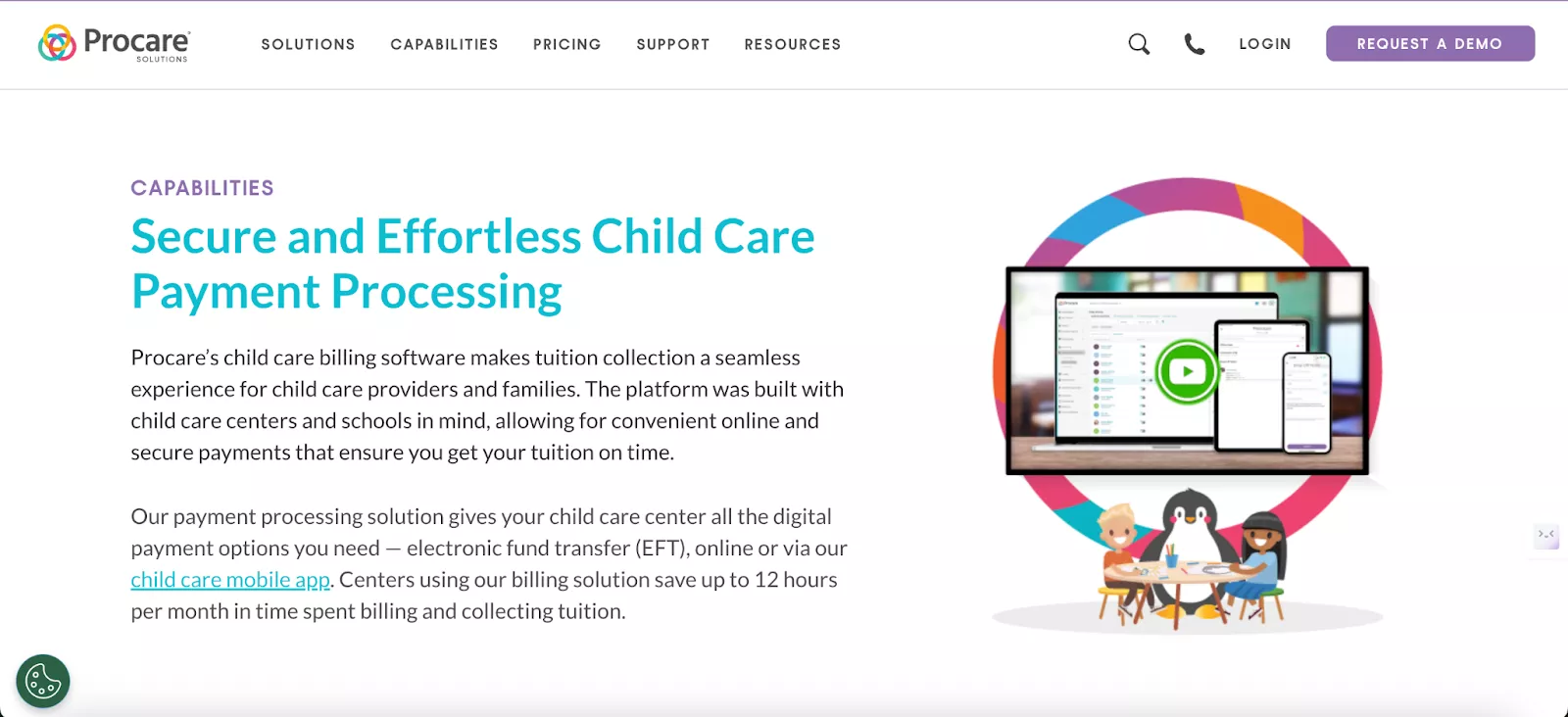
Procare is an all-in-one childcare management system with strong but complicated billing tools. It automates tuition charges, sends invoices, and lets families pay by card or ACH (Automated Clearing House).
| Pros | Cons |
|---|---|
| Handles complicated billing: Great for split families, subsidies, and tracking multiple fees all in one place. | Clunky Interface: The desktop-based TuitionExpress system can feel outdated and cumbersome for complex billing tasks. |
| Runs on autopilot: Once set up, it automatically charges families and sends out invoices and reminders. | Inflexible: Not ideal if your billing cycles are unusual or need custom adjustments. |
| Built-in payments: Parents can pay online, and you get the money fast. They can even swipe a card at check-in. | Pricey payment processing: You're tied to their payment system, which has higher fees (~3.5% to 5%). |
| Tracks everything: Provides a clear, detailed record of every charge and payment for every family. | Challenges in payouts: Some centers report delays in fund settlements. |
| Easy for parents: Families can see bills, pay online, and get receipts instantly from their phone. | Not ideal for multi-program billing: Sometimes requires manually recreating invoices for students in multiple programs due to system errors. |
| Decades of industry expertise: Established in 1992, the system has a deep understanding of childcare billing needs. | No 24/7 help: Support is limited to business hours, and some users report difficulty getting timely assistance. |
In summary:
Procare delivers a powerful billing system for complex needs, but its overwhelming interface is a drawback for centers seeking simplicity. More significantly, many schools are surprised by the high total cost of ownership, driven by high payment processing rates.
The Top 5 Alternatives to Procare’s Childcare Billing Software
The best Procare alternatives for childcare billing are illumine, Famly, iCare Software, Playground, and Brightwheel. illumine being the top choice for its balance of automation, simplicity, and power.
Here’s a detailed look at each alternative:
1. illumine
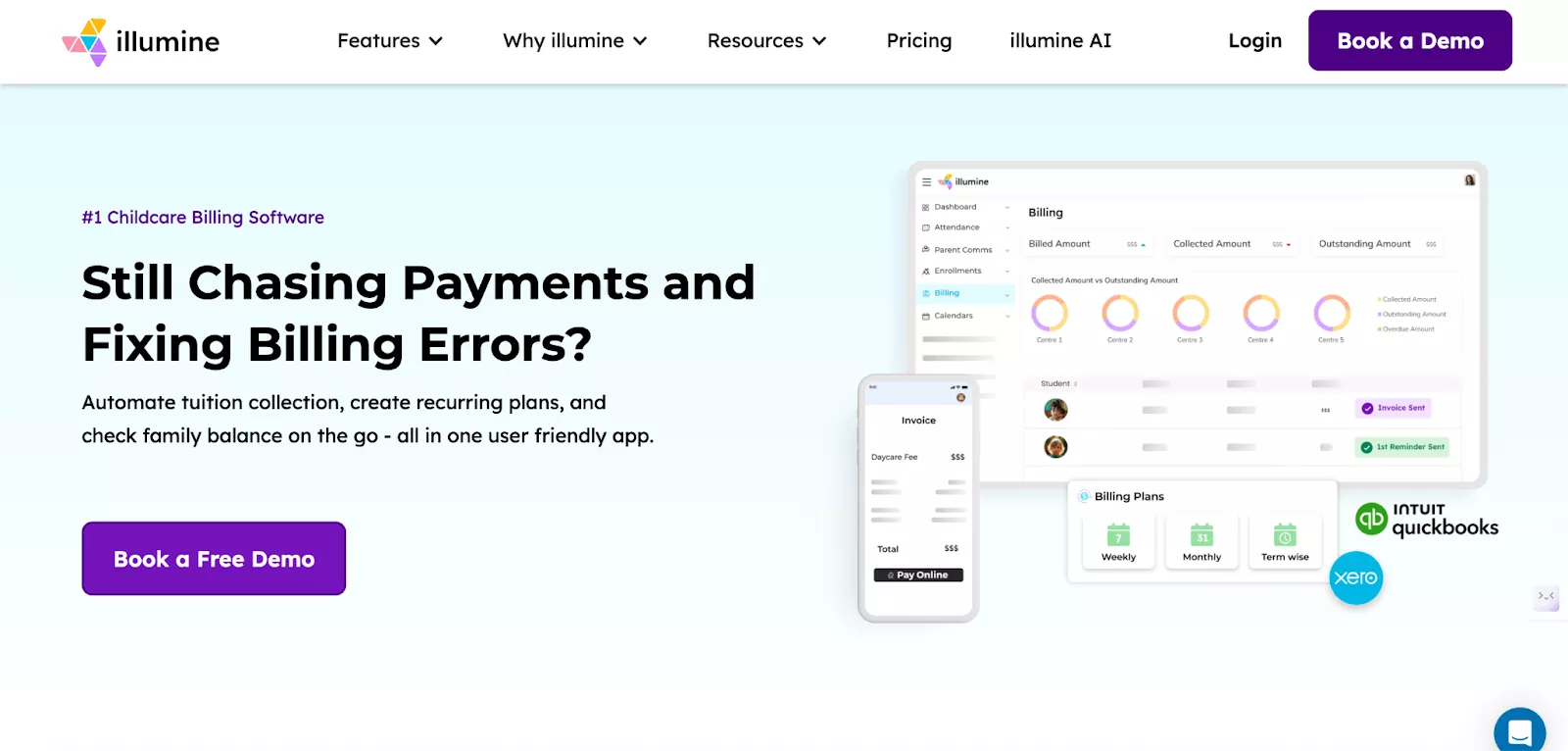
illumine is a modern, all-in-one childcare platform designed to make billing fully automated and stress-free. Its interface is clean, easy to learn, and works seamlessly across web and mobile. Built for both single-site centers and multi-location groups, illumine’s billing connects tuition, attendance, and communication into one unified workflow.
illumine Billing: Pros and Cons
| Pros | Cons |
|---|---|
| Eliminate manual invoicing: Fully automated billing on any schedule you need (daily, weekly, monthly, annual, etc). | Setup complexity: Sometimes account setup can be complicated for small centers. |
| Get payments faster: Accepts ACH, card, and regional gateways with quick 1–2 day settlements. | Brief learning period: Takes some time to learn all the features when you're first starting out. |
| Automate complex subsidy tracking: End-to-end subsidy management and remittances. | |
| See every family's financial picture: Get ledgers for families and subsidies for accurate record-keeping, transparency, and financial decision making. | |
| Low payment fees: Partners with Stripe, Adyen, and regional gateways to offer payment processing with 0% additional fees. | |
| Easy accounting sync: Connects directly to QuickBooks and Xero without any difficulty. | |
| 70+ ready-to-use reports: Multi-center and tax-ready tuition plan, charge back, and payment reports. | |
| Bank-level security: PCI DSS compliant and encrypted to keep all family payment data completely safe. | |
| 24/7 expert support: Get support anytime from a dedicated Account Manager and team, throughout the year. |
In summary:
illumine delivers the most advanced, automated childcare billing system available today. Built for flexibility, transparency, and enterprise-level operations, it is the best alternative to Procare.
2.Famly

Famly is a widely used childcare management platform known for its intuitive design and strong parent communication features. Its billing system carries the same simplicity and clarity, making it ideal for centers that value ease of use over heavy configuration.
Famly Billing: Pros and Cons
| Pros | Cons |
|---|---|
| Easy for everyone: The clean, modern design is simple for both your staff and parents to use. | Struggles with complex billing: Not ideal for centers with complicated subsidies or split-family payments. |
| Saves time on admin: Automates the whole billing process from sending invoices to payment reminders. | Adjustment period needed: Switching from an older system can take some getting used to. |
| Batch invoicing: Send out every single invoice for the month with just one click. | Tedious setup: The initial data entry and configuration can feel a bit slow. |
| Flexible in-app payments: Multiple family members can pay for a single child directly through the app. | Can be glitchy: Some users report occasional navigation quirks or notification delays. |
| Strong financial reports: Generates the detailed, tax-ready reports you need to stay on top of finances. | Can get pricey: The cost tends to go up significantly as you enroll more students. |
| Good customer support: Known for great customer service and has won ease-of-use awards. | Smaller US presence: Fewer local references and support resources in the United States. |
In summary:
Famly’s billing is simple, automated, and designed with parents in mind. However, centers with complex subsidy or split billing needs might not find it flexible.
3. iCare Software

iCare is a long-standing childcare management platform built for flexibility and enterprise-scale operations. Its billing system is powerful, customizable, and designed to handle complex fee structures across multiple centers.
iCare Billing: Pros and Cons
| Pros | Cons |
|---|---|
| Flexible billing models: Supports hourly, daily, or package-based pricing with ease. | Dated interface: Feels old and is less intuitive than newer, modern platforms. |
| Reduces manual work: Automates tuition and recurring payments to save you time. | Complex setup: Custom workflows and configurations can take a long time to get right. |
| Handles complex cases: Manages multi-child discounts, subsidies, and drop-in care seamlessly. | Steep reporting learning curve: Creating custom advanced reports is not straightforward. |
| Powerful reporting: Generates detailed tax summaries, payroll, and general ledger reports. | Tedious data migration: Moving your existing data over requires significant initial effort. |
| Multi-center management: Supports unified billing and reporting across all your locations. | Overkill for small centers: Can be too powerful and expensive for very small operations. |
| Highly scalable: Grows with agencies, large preschools, and after-school programs effectively. | Not mobile-friendly: The interface isn’t as optimized for phones as competitor apps. |
In summary:
iCare’s billing system is built for flexibility and scale. It supports complex tuition models, subsidies, and multi-center accounting with ease. While its interface isn’t the most modern, it’s ideal for directors managing detailed financial operations across several locations.
4. Playground
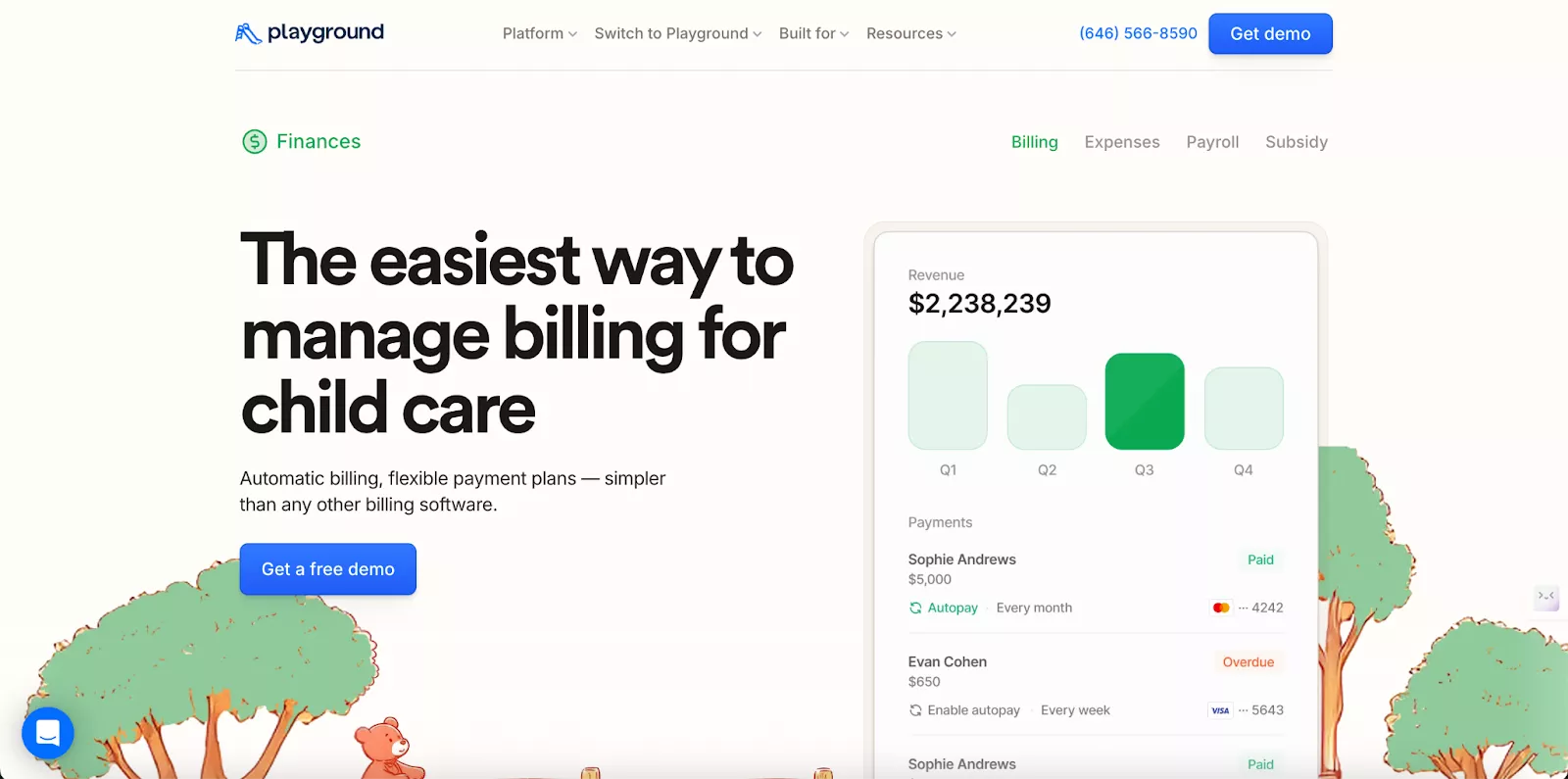
Playground is a modern childcare management platform praised for its ease of use and clean design. Its billing system focuses on automation, transparency, and convenience for both staff and parents. It’s especially popular with small to mid-sized centers looking for a simple, all-in-one solution.
Since Procare acquired Playground in September 2026, this comparison now sits inside one corporate portfolio. See our full Procare vs Playground comparison for pricing, features, and reviews.
Playground Billing: Pros and Cons
| Pros | Cons |
|---|---|
| Runs billing on autopilot: Automates invoices, recurring charges, and late fees based on attendance. | Limited recurring billing: You can’t set up automatic payments to run indefinitely; an end date is always required. |
| Easy for everyone: The simple interface is a hit with both staff and parents. | Not a full accounting system: A few financial features aren’t as intuitive as dedicated accounting software. |
| Instant payment alerts: Get real-time notifications for any failed or pending payments. | Rigid program categories: Lacks customization for highly specific program types or fees. |
| Flexible payment options: Supports custom payment plans, discounts, and attendance-based charges. | Mobile app is limited: Some key features for parents and admins are only available on the desktop version. |
| Secure payments & deposits: Uses bank-level security (PCI Level 1) and offers direct deposit to your account. | Basic reporting: The reporting and analytics features are simple and lack depth compared to advanced tools. |
In summary:
Playground’s billing combines automation, attendance-based accuracy, and a great parent experience in one simple dashboard. However, advanced reporting and customization are still catching up to enterprise systems.
5. Brightwheel

Brightwheel is one of the most widely recognized childcare management apps in the U.S., best known for its simple interface and strong parent engagement tools. Its billing module is included with every subscription at no extra cost and is built to save centers time through automation and mobile-first payment options.
Brightwheel Billing: Pros and Cons
| Pros | Cons |
|---|---|
| No extra billing fee: Billing and invoicing features are included in your core subscription. | Slightly higher payment fees: Relies on Stripe for processing; transaction fees (~2.9% cards, 0.80% ACH) are slightly higher than in-house processors. |
| Simple setup: The system is intuitive and easy to get started with right away. | Clunky payment edits: To change a payment plan, you have to cancel the old one and create a new one. |
| Handles the busywork: Automates recurring billing, payment reminders, and late fees for you. | Locked into Stripe: You cannot use your own existing merchant account for processing. |
| Easy parent payments: Parents can pay invoices instantly from their phone and get a receipt immediately. | Time-consuming fund payouts: They sometimes create trouble for customers as they’re not deposited on time. |
| Connects to your books: Integrates directly with QuickBooks Online to sync your financial data. | Gaps in advanced reporting: For very specific compliance reports, you might have to manually compile data. |
| Secure payments: All transactions are PCI-compliant and encrypted for safety. | No phone support: Customer support is primarily through live chat and email. |
In Summary:
Brightwheel’s billing is built for speed, automation, and mobile convenience. It’s perfect for centers that want a simple, integrated billing tool included with their software. However, advanced accounting users may find its customization limited.
What Are the Key Features to Look for in Daycare Billing Software?
Look for automated invoicing, attendance-linked billing, parent-friendly payments, and clear financial reporting. These features save time, reduce errors, and improve the payment experience.
Essential features include:
- Automated Invoicing: Generates and sends invoices automatically, applying late fees or discounts without manual work.
- Attendance-Linked Billing: Calculates tuition and late fees automatically based on check-in/check-out data.
- Parent-Friendly Payments: Allows easy, one-tap payments via ACH, credit/debit cards, and autopay through a parent app.
- Multi-Center Support: Manages all locations and currencies from one dashboard.
- Clear Financial Reporting: Provides live dashboards showing revenue and overdue payments, with accounting tool integration.
illumine combines all these features into one automated system, handling everything from invoicing to reconciliation.
What Makes a Good Preschool Billing Software for Small Centers?
The best software for small centers is simple, affordable, and fully automated. It should save hours of administrative work each week.
Key qualities include:
- Simple Setup: Intuitive and ready to use immediately.
- Transparent Pricing: No hidden fees for essential features.
- Hands-Off Automation: Runs entire billing cycles automatically.
- Mobile Accessibility: Manage billing and payments from anywhere.
- Quick Reporting: Fast access to daily revenue and overdue invoices.
illumine fits perfectly with fast setup, comprehensive automation, and affordable pricing for small centers.
What Makes a Good Preschool Billing Software for Multi-Center Preschools?
Good multi-center software needs centralized control, role-based permissions, and a consistent parent experience across locations.
Essential features include:
- Centralized Dashboard: Manage all locations and billing in real-time.
- Audit Logs: Logs for key billing operations to help audit and improve the billing process.
- Role-Based Access: Control permissions for managers and staff.
- Consistent Parent Experience: Same app and payment flow across all locations.
- Multi-Currency Support: Handles different currencies and compliance rules.
- Location Analytics: Compare performance across centers with accounting sync.
illumine delivers this combination of automation and control with centralized dashboards for every branch.
illumine vs Procare: Which Is Better for Childcare Billing?
For most modern centers, illumine is the better choice over Procare.
While Procare works for complex accounting needs, illumine offers a simpler, faster, and more transparent billing experience.
Why illumine Is the Better Choice
- Ease of Use: illumine’s modern interface is intuitive for both staff and parents, requiring minimal training.
- Automation: It automates everything from recurring invoices to late fee reminders, reducing manual work.
- Parent Transparency: Parents can see invoices, pay instantly, and receive receipts in real time through the same app they use for daily updates.
- Multi-Center Control: Directors can manage all locations and accounts from a unified dashboard, something that requires multiple modules in Procare.
- Payment Options: illumine supports multiple payment gateways like Stripe and Adyen, offering lower transaction fees and flexibility.
- Setup Speed: Centers can go live within days instead of weeks, thanks to pre-configured billing templates.
FAQs
FAQs
What is the best alternative to Procare for billing?
illumine is widely considered the best overall alternative to Procare for billing.
It offers the same powerful automation and reliability but in a more modern, user-friendly, and affordable package.
It's specifically designed for centers that find Procare too complex or costly.
Is Procare difficult to use for billing?
Many users find Procare's billing system difficult to use. It has a steep learning curve,
a dated interface, and complex setup processes for tuition rules and subsidies.
This often makes simple billing tasks time-consuming for staff.
What is the easiest childcare billing software?
illumine and Brightwheel are known for having the easiest, most intuitive billing software.
They feature clean, modern interfaces that both staff and parents can navigate easily,
reducing training time and confusion.
Can I get lower payment processing fees than Procare?
Yes. Unlike Procare, which locks you into its own processor, platforms like illumine use partners like Stripe
to offer lower, flat-rate transaction fees. This can lead to significant savings,
especially on high volumes of card payments.
What billing software works best for multi-center childcare businesses?
illumine is built for multi-center scalability. It provides a centralized dashboard to manage all locations,
offers role-based permissions, and ensures a consistent parent payment experience across every branch.