

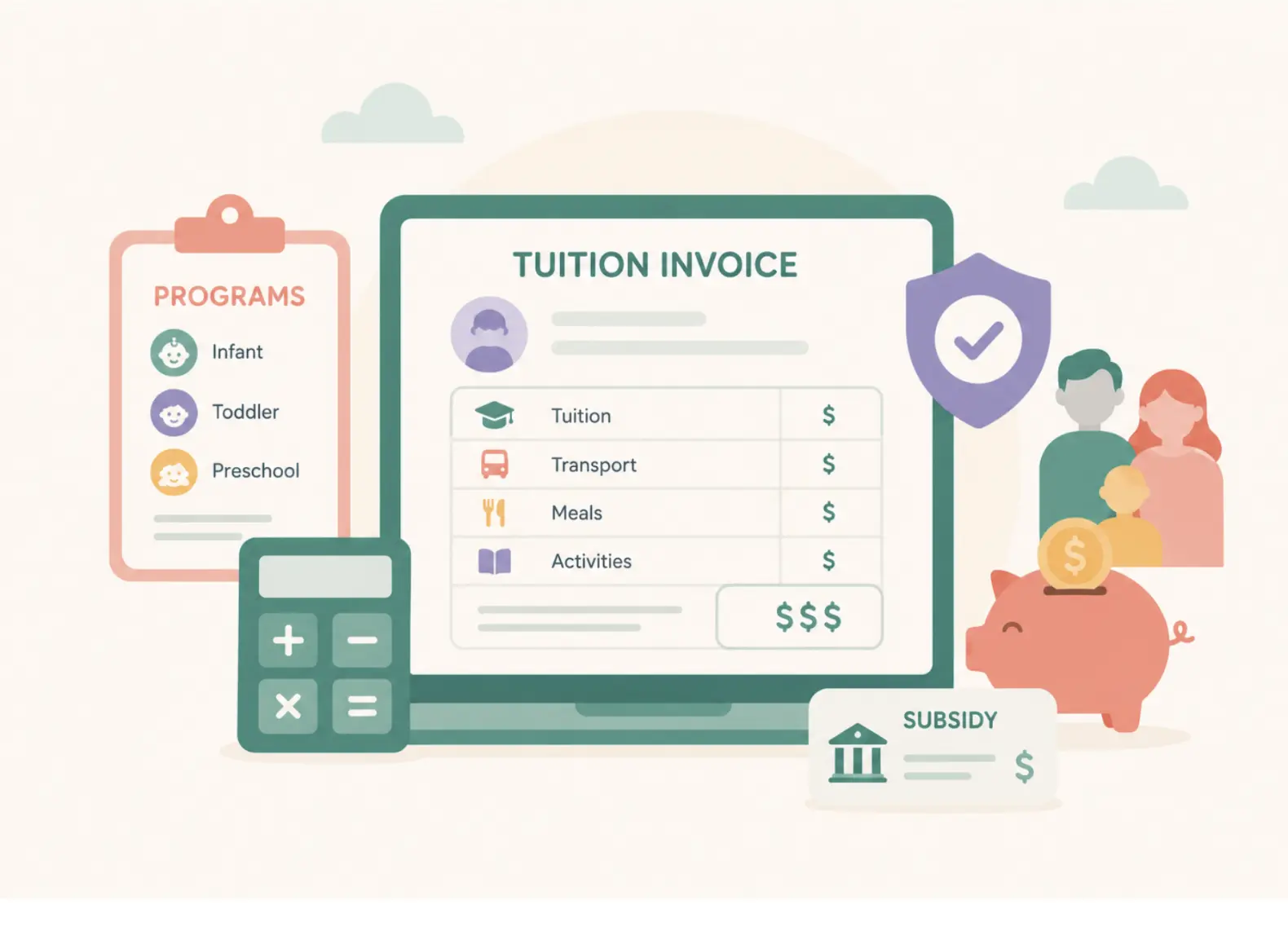


Childcare billing software automates how a childcare center charges and collects tuition. It builds tuition plans by program, generates recurring invoices, prorates mid-month changes, applies discounts and subsidies, sends payment reminders and late fees, takes card and bank payments, and reports on revenue and outstanding balances. What separates it from a generic invoicing tool is that it is built around programs, schedules and subsidy rules, not one fixed price per customer.
There is a particular discomfort most childcare directors know well: following up personally with a parent about an overdue invoice. You care about this family, and their child is in your care. But six weeks of non-payment is touching your payroll, your suppliers and the financial health of your center.
Tim Seldin, President of The Montessori Foundation, named the deeper problem in illumine's USA Cost Benchmark Report: "So many of us in education feel guilty at the idea of charging what it costs to do the job right." That guilt shows up in billing too. Fees get waived, reminders go out late, and late fees are applied unevenly because applying them feels confrontational.
Good childcare billing software takes the awkwardness out by turning your billing policy into rules that run on their own. This guide covers what the software does, what late tuition really costs, the seven layers that make childcare billing hard, a demo checklist, what it costs, and how to automate collections without straining family relationships.

What is childcare billing software?
Childcare billing software is a system for managing the full tuition cycle at a childcare center, preschool, daycare or afterschool program: setting up fee plans, invoicing families, collecting payments, tracking balances and subsidies, and reporting on revenue. It can be a standalone tool or a module inside a broader childcare management platform that also covers enrollment, attendance and parent communication.
It sits between two other tools most centers already use, and it helps to be clear about which job each one does:
| Tool | What it does | What it does not do |
|---|---|---|
| Childcare billing software | Builds tuition plans by program, invoices families, prorates changes, applies discounts and subsidies, sends reminders, collects payments, reports on balances | Replace your general ledger, payroll or tax filing |
| Accounting software (for example QuickBooks or Xero) | Keeps your books: general ledger, expenses, payables and financial statements | Know which child is in which program, or prorate tuition when a schedule changes |
| Payment processor | Moves money from a family's card or bank account to yours | Decide what each family owes, or follow up when they do not pay |
That is why "what is the best accounting software for a daycare?" is often the wrong first question. Most centers need billing software that knows their programs and families, plus a sync to the accounting software their bookkeeper already uses. For the accounting side, see how to simplify accounting with childcare billing software.
What late tuition actually costs a childcare center
The national average price of child care reached $13,128 a year in 2024, based on Child Care Aware of America data cited in illumine's USA Cost Benchmark Report. That works out to roughly $1,094 a month per child.
Here is what that means for an 80-child center at different late-payment rates, assuming each late family owes one month of tuition at any given time:
| Share of families paying late | Families behind on tuition | Tuition outstanding at any time |
|---|---|---|
| 5% | 4 | $4,376 |
| 10% | 8 | $8,752 |
| 15% | 12 | $13,128 |
| 20% | 16 | $17,504 |
This is an illustration, not a benchmark. Your tuition, enrollment and payment terms will change the numbers. The point is that a 15% late rate at an average-priced center ties up as much as a full year of one child's tuition in receivables, every month.
That matters because payroll does not wait. In illumine's Childcare Tax Playbook webinar, Steven Erickson, Wealth Strategist and Financial Advisor at Wealth Investment Services, said he wants owners to have at least three months of payroll set aside and untouched as cash reserves before considering other financial strategies. That cushion is much harder to build when part of every month's tuition arrives late.
Why childcare billing is harder than sending invoices: the 7 layers
For most businesses, billing is predictable. A customer buys, gets an invoice, pays, and the cycle repeats. Childcare does not work that way. Every family has its own enrollment story, and as a center grows, the exceptions stop being exceptions. These are the seven layers your billing software has to handle.
1. Tuition is built around programs, not products
Fees vary by age group, classroom, attendance schedule, academic year, enrollment date and program. A single center may run full-time care, part-time schedules, before- and after-school programs, summer camps and enrichment classes at once, each with its own pricing. Billing software has to reflect how your programs actually run instead of forcing every family into one price.
2. Billing changes throughout the year
Children move to new classrooms, families change schedules, summer camps bring temporary pricing and new academic years bring new rates. Mid-cycle enrollments and withdrawals need prorated invoices. Each change is small on its own, and each is a chance for a manual error.
3. Every family has a different billing story
Sibling discounts, staff concessions, scholarships, financial aid, and split billing between two parents or between a parent and an agency mean few centers send identical invoices. Supporting these is not the hard part. Applying them correctly every cycle, without a spreadsheet, is.
4. Tuition is only part of the invoice
Registration fees, deposits, meals, transportation, field trips, extracurricular activities, one-time purchases and refunds each follow their own rules. The more of these you run, the more time goes into stitching invoices together by hand.
5. Collecting payment is its own process
Creating the invoice is the first step. Then come reminders, overdue follow-ups, late-fee policies, reconciling payments and answering billing questions from families. Without automation, collections turn into a monthly cycle of personal emails and awkward conversations.
6. Subsidies add a second payer
A subsidized child usually has two payers: the family co-pay and the agency. Each child can have a different funding amount, eligibility period, reimbursement schedule and expiry date, and many state programs pay based on attendance, which ties billing accuracy to attendance records. Providers feel this friction. In a National Association for the Education of Young Children (NAEYC) survey from August 2023, cited in illumine's USA Cost Benchmark Report, 80% of center directors and family child care owners said they would be more likely to serve families using subsidies if the state paid based on enrollment rather than attendance. Keeping subsidy records in the same system as tuition and attendance removes much of the double entry.
7. Billing data should help you run the business
Which programs earn the most? Which classrooms still have capacity? How much has been billed this month, what revenue is expected next month, and which balances are outstanding? If those answers take a spreadsheet and an afternoon, billing is a cost of doing business rather than a planning tool.
What to look for in childcare billing software: a demo checklist
Use this table in vendor demos. The third column is the question that separates a real answer from a sales answer. If you run several centers, also read our guide to multicenter childcare billing software.
| Capability | Why it matters | Ask this in the demo |
|---|---|---|
| Program-based tuition plans | One plan per program, shared by many students, instead of a billing profile per child | "Show me how you would set up our full-time, part-time and afterschool rates for next year." |
| Automatic proration | Mid-month starts, withdrawals and schedule changes are where manual errors happen | "A child moves from three days to five days on the 12th. Show me the next invoice." |
| Discounts and split billing | Sibling, staff and scholarship discounts, and two payers on one invoice | "Can two parents each pay a set share and get separate receipts?" |
| Subsidy tracking | Co-pays, authorizations, expiry dates and agency claims tied to each child | "Where do I see which authorizations expire this month?" |
| Automated reminders and late fees | Your policy applies the same way every time, without a staff member doing it | "Show me the reminder schedule and the day the late fee posts." |
| Payment options and autopay | Card, Automated Clearing House (ACH) bank transfer, and autopay set up at enrollment | "Who pays the processing fee, and can families choose ACH?" |
| Accounting sync | Your bookkeeper keeps working in QuickBooks or Xero | "What exactly syncs, and how often?" |
| Reporting and forecasting | Aging balances, revenue by program and expected revenue in one view | "Show me balances older than 30 days, by classroom." |
| Multi-center view | Consistent fee rules and one view of cash across every site | "Can our head office see collections for every center on one screen?" |
| Parent experience | Families see clear invoices, balances, credits and year-end tax statements | "What does a parent see when they open an invoice in the app?" |
Comparing vendors? 5 Best Procare Alternatives for Childcare Billing in 2026
How much does childcare billing software cost?
Pricing is rarely published. As of November 2026, the pricing pages for Brightwheel and Procare both ask centers to request pricing rather than listing prices, and illumine's US plans are also quoted by number of centers. So compare total cost, not just the headline subscription:
- Subscription: priced per center, per child or by tier. Ask how the price changes as enrollment grows.
- Payment processing: card payments usually cost more than ACH. Ask for the rate on each, whether the center or the family pays it, and whether it is included in the subscription.
- Setup and migration: some vendors charge for onboarding or for moving historical balances.
- Payout timing: ask how many days it takes for collected tuition to reach your bank account.
- Add-ons: subsidy management, accounting sync or multi-center reporting are sometimes priced separately.
To size processing costs for your own center, multiply your monthly tuition collected by the card rate a vendor quotes, then do the same with the ACH rate. The gap is why moving families to ACH autopay at enrollment is worth raising in every demo. For more on the payments side, see how to choose a payment gateway for your preschool or daycare.
How to automate collections without straining family relationships
The goal of automation is not to be stricter. It is to be consistent, so no one on your team has to decide, family by family, whether to send a reminder or apply a fee.
- Write the policy into the enrollment agreement. Due dates, grace periods, late fees and what happens after 30 days should be agreed before the first invoice, not explained after the third missed payment.
- Set up autopay at enrollment. Ask for a card or bank account when the family registers, while the relationship is new and the paperwork is already open.
- Let the system send the reminders. For example: an app notification when the invoice goes out, an email a few days before the due date, and an escalation a week after it passes. The reminder comes from the system, not from you, so the relationship stays warm.
- Apply late fees by rule. A fee that posts automatically after the grace period is easier for families to accept than one a director applies after a tense conversation.
- Keep a human step for real hardship. Automation handles the routine. A director should still decide on payment plans for a family going through a hard time.
- Review aging balances every week. A short look at balances older than 30 days catches problems before they turn into write-offs.
▶ Watch: illumine billing setup, automated invoices and fee plans
How illumine handles childcare billing
illumine is a childcare management platform used by 4,000+ centers across 60+ countries. Its childcare billing software is built around Program-Based Billing, so tuition plans, invoices, subsidies, collections and reporting run in one connected workflow instead of separate tools.
- Program-based tuition plans with reusable rate cards across academic years, assigned to many students while still allowing individual discounts and subsidies.
- Every charge in one place: registration fees, deposits, one-time charges, meals, transportation, activities, refunds, and automatic proration for mid-cycle starts.
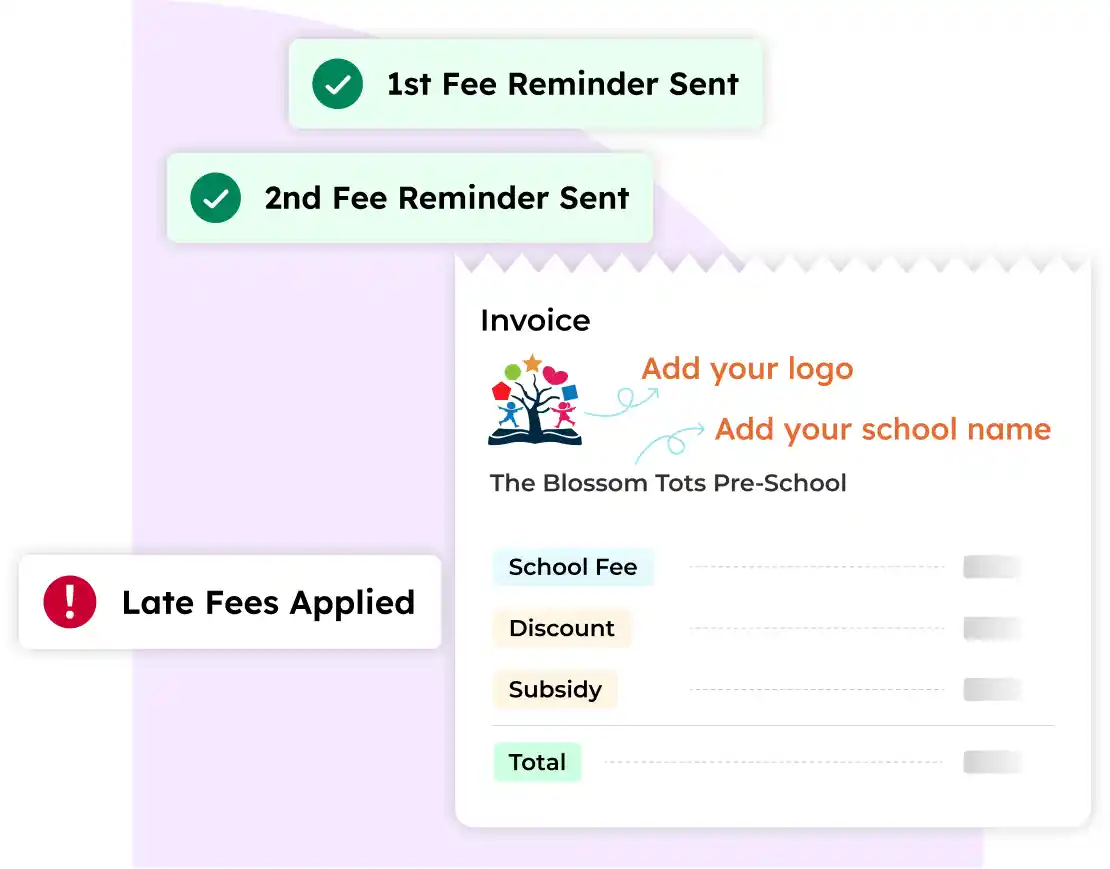
- Automated collections: invoices on a schedule, reusable reminder templates, and late-fee policies applied after the grace period.
- Parent payments in the app by card, ACH or autopay, with split billing across parents or agencies.
- Subsidy management: funding amounts, eligibility periods and expiry alerts kept with each child's billing record.
- Reporting: billed amounts, aging balances, revenue forecasts and a multi-center view, with QuickBooks and Xero sync.

Real Kids, a 43-center network in Malaysia, used illumine to centralize fee structures and automate invoicing and reminders. According to the Real Kids case study, average cash collection time fell from 34 days to 14, with about 70% fewer billing adjustments and a 40% reduction in overdue fees.
Billing also connects to admissions, attendance and parent communication, so the record a family completes at registration becomes their billing record without re-entry.

Frequently asked questions
What is childcare billing software?
Childcare billing software manages the tuition cycle for childcare providers: tuition plans, recurring invoices, proration, discounts, subsidies, payment reminders, late fees, online payments and financial reporting, in one system built around childcare programs rather than generic products.
Can childcare billing software handle different tuition plans and schedules?
Yes. Good childcare billing software supports multiple tuition structures by program, classroom, attendance schedule, academic year and season, along with sibling discounts and other family-specific adjustments, and prorates automatically when a child starts, leaves or changes schedule mid-cycle.
What is the best accounting software for a daycare?
It depends on what you need. Accounting software such as QuickBooks or Xero keeps your books, but it does not know your programs, schedules or subsidies. Most centers get the best result from childcare billing software that handles tuition and collections, synced to the accounting software their bookkeeper already uses.
How much does childcare billing software cost?
Most vendors, including Brightwheel, Procare and illumine, quote pricing rather than publishing it. Compare the total cost: the subscription, payment processing rates for card and ACH (and who pays them), setup or migration fees, payout timing, and any add-ons for subsidies, accounting sync or multi-center reporting.
Can payment reminders and late fees be automated?
Yes. You set the rules once (due dates, a reminder schedule, a grace period and a late-fee amount) and the software sends reminders and posts late fees on schedule, so collections no longer depend on someone remembering to follow up.
How do I collect late tuition without upsetting families?
Agree the policy in the enrollment agreement, set up autopay at registration, let the system send reminders instead of staff, apply late fees by rule rather than case by case, and keep a human conversation for families facing real hardship.
Does childcare billing software handle subsidies?
Many platforms do, but depth varies. Look for software that tracks the family co-pay and the agency portion separately, stores eligibility and authorization dates for each child, alerts you before authorizations expire, and connects to attendance where your state pays on attendance.
Can one system handle billing for multiple centers?
Yes, if it supports central fee rules with per-center settings and a combined view of collections and outstanding balances. Ask whether head office can see every center on one screen and whether reports can be filtered by center and classroom.
Sources and references
Last verified: November 2026
- illumine, The Costs Draining Childcare Centers: USA Cost Benchmark Report. National average price of child care (Child Care Aware of America, 2024), NAEYC subsidy survey (August 2023), and Tim Seldin's quote.
- illumine webinar recap, Are You Overpaying Your Taxes? The Childcare Tax Playbook #1. Steven Erickson on cash reserves. General education, not tax advice.
- Vendor pricing pages for Brightwheel and Procare, checked November 2026.
- illumine, How Real Kids cut cash collection time across 43 centers.


