


"Why is our Zoho balance different from what illumine shows?"
"Where did that refundable deposit go in the books?"
"Who's re-keying every invoice into accounting this month?"
If you run a nursery in the UAE, your finance person has almost certainly asked at least one of these. Between VAT-ready invoicing, refundable deposits, and month-end reconciliation, childcare accounting carries more moving parts than most small businesses, and far more than a generic bookkeeping setup was built to handle.
Zoho Books is one of the most widely used accounting platforms across the UAE and wider GCC. It's excellent at accounting. It was never built for the way nurseries actually bill families: registration fees, tuition plans, meal charges, refundable security deposits, advance payments, and the occasional refund when a family relocates mid-term.
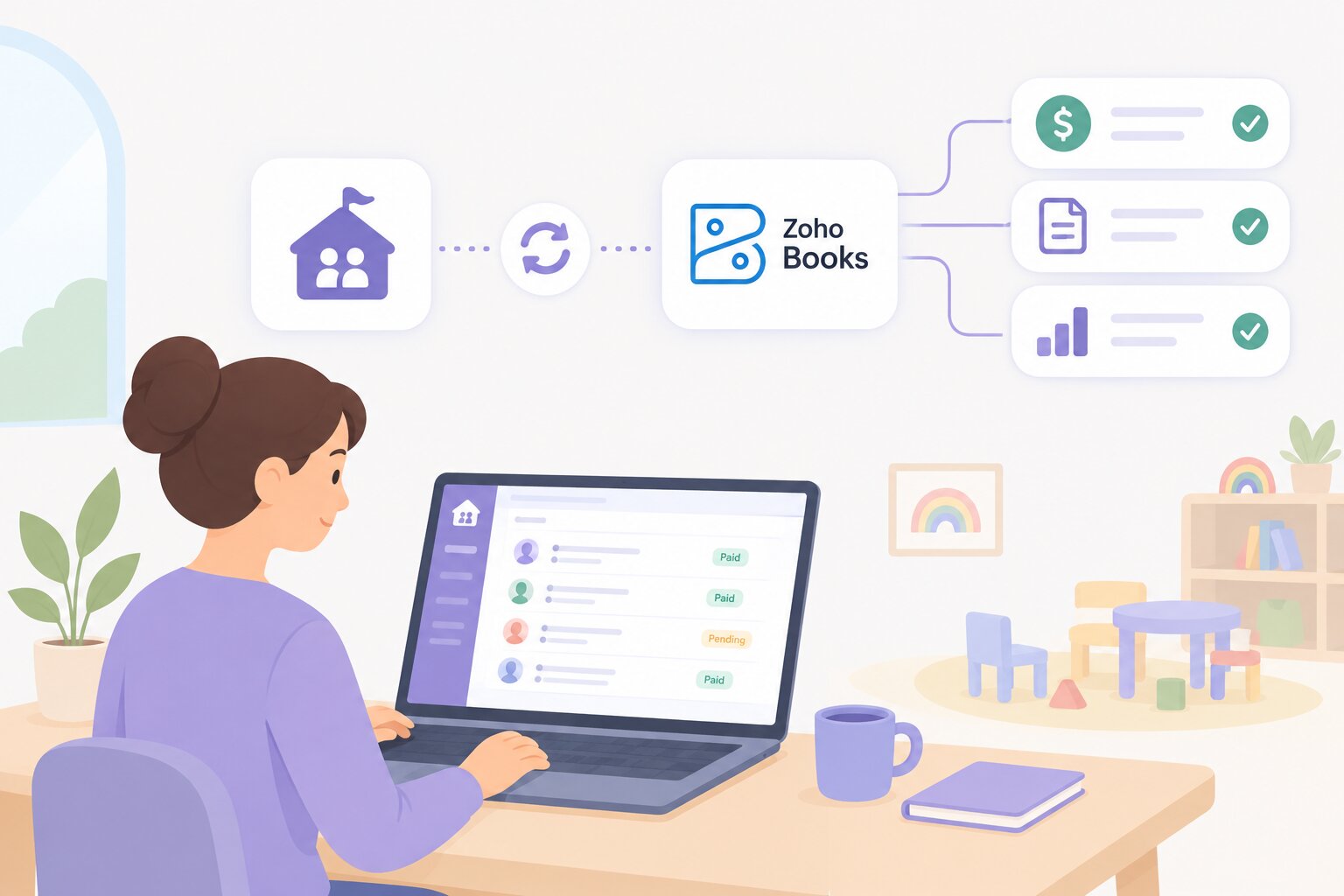
That gap is exactly what illumine's complete Zoho Accounting integration closes. Your team keeps managing childcare billing inside illumine, and every record flows into Zoho Books automatically, with no duplicate entry and no month-end guesswork.
In this article we'll cover:
- Why childcare billing breaks generic accounting workflows
- What illumine's Zoho integration syncs automatically
- How illumine handles childcare-specific cases Zoho can't (deposits, credit notes)
- What setup and migration actually look like
- How you can tell, at a glance, whether a record has synced
Why Childcare Billing Breaks Generic Accounting
Most accounting tools assume a simple model: raise an invoice, collect a payment, reconcile. Nurseries don't work that way.
Refundable deposits sit in limbo. A family pays a security deposit at enrolment. That money isn't revenue yet, it's a liability you may refund, apply to a final invoice, or convert to a credit. Zoho has no native concept of a refundable childcare deposit, so most centres track it in a spreadsheet and hope it matches at year-end.
Credit notes multiply. Sibling discounts, mid-term withdrawals, overpayments, holiday adjustments. Each one needs a credit note that's applied correctly to the right invoice, and refunded cleanly if it's never used.
Advance payments pile up. Parents often pay a term ahead. That advance has to sit as a credit balance and draw down against future invoices, with a clear record of what's used, available, and refundable.
Handle any of these manually and two ledgers slowly drift apart. By the time you notice, you're spending the last week of every month reconciling instead of running your centre.
What illumine Syncs to Zoho, Automatically
Once connected, illumine keeps your billing and accounting records aligned without anyone re-keying data. The integration synchronises entities in real time:
| Entity | What syncs |
|---|---|
| Students | Every family maps to a Zoho customer contact |
| Fee Components | Fee items and taxes, mapped to Zoho income accounts |
| Invoices | Tuition, registration, meals, and other charges |
| Payments | Online and offline, as they're recorded in illumine |
| Refunds | With full history preserved |
| Credit Notes | Created, applied, and refunded |
This is the foundation: billing stays in illumine, where it's built for childcare, and Zoho Books always reflects reality within a few minutes. No exports, no manual imports, no "which number is correct" conversations.
Revenue mapping that keeps your books clean
Map each fee component to the right Zoho income account once, and illumine categorises everything correctly from then on. Tuition, registration, meals, and other charges each land in their own income account, so your financial reports are meaningful the moment you open them, not after an accountant reclassifies rows.
The Childcare Cases Zoho Can't Handle On Its Own
This is where the integration goes beyond a simple data pipe.
Complete credit note management
Manage the entire credit note lifecycle from inside illumine. Create credit notes for full or partial amounts, apply them to current or future invoices, refund the unused portion as cash or another offline method, and track Used, Available, and Refunded balances for every single one. Credit notes are managed independently from advance payments, so you get flexibility without the accounting ever losing accuracy.
A real refundable deposit workflow
Zoho doesn't natively support refundable childcare deposits, so illumine handles the full lifecycle for you. Record a deposit through a payment against a Refundable line item (or directly against a child's profile), convert it into a credit note when it's used, apply it against an outstanding invoice, or refund it through the credit note workflow. Behind the scenes, Zoho stays synchronised the entire time. The deposit that used to live in a spreadsheet now lives in your books, correctly.
Credit balance management you can audit
Advance payments sync to Zoho as excess payments, with stronger controls inside illumine. View Used, Available, and Refunded balances, see the complete refund history, refund unused credit directly, and even void a refund transaction made in error, all while keeping balances and reconciliation accurate. When an inspector, owner, or auditor asks where a number came from, you can show them.
How You'll Know It's Working
You shouldn't have to log into Zoho just to check whether an invoice went through. illumine shows sync status right on the record itself: a green "Sync" indicator confirms the record is up to date in Zoho. If the indicator is missing or shows an error, the record likely hasn't synced yet or isn't mapped to a Zoho contact.

Automatic sync runs in the background, but you're not stuck waiting on it. Select any student records, click Actions, and choose Sync Selected Students to force an immediate update, useful right after fixing a mapping issue or when you need a record reflected in Zoho before running a report. For the full day-to-day playbook, covering sync status, credit notes, deposits, credit balances, and troubleshooting, see illumine's Zoho Integration Complete Guide.

Setup Takes Minutes, Not a Migration Project
The most common objection to any new financial integration is fear of disruption. This one is deliberately light, and it's a one-time OAuth connection rather than a data migration project. For a screen-by-screen walkthrough of every mapping step, see illumine's Zoho Set up Guide:
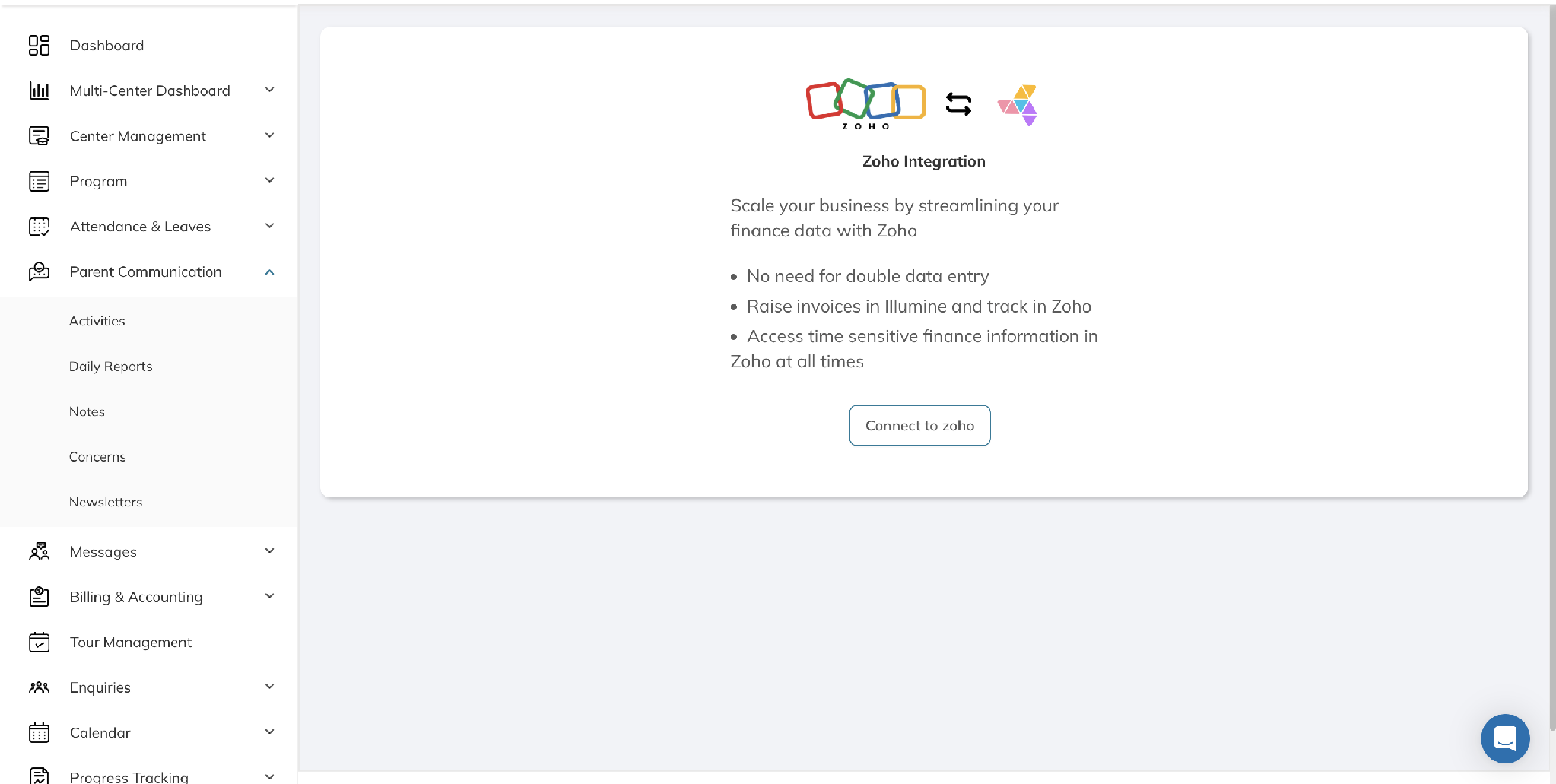
- Connect Zoho from the Zoho Integration page in illumine. You'll be redirected to Zoho to sign in and authorise the connection, then returned to illumine automatically.
- Choose your organization, if your Zoho account has more than one. The connection and all mappings are set up per organization.
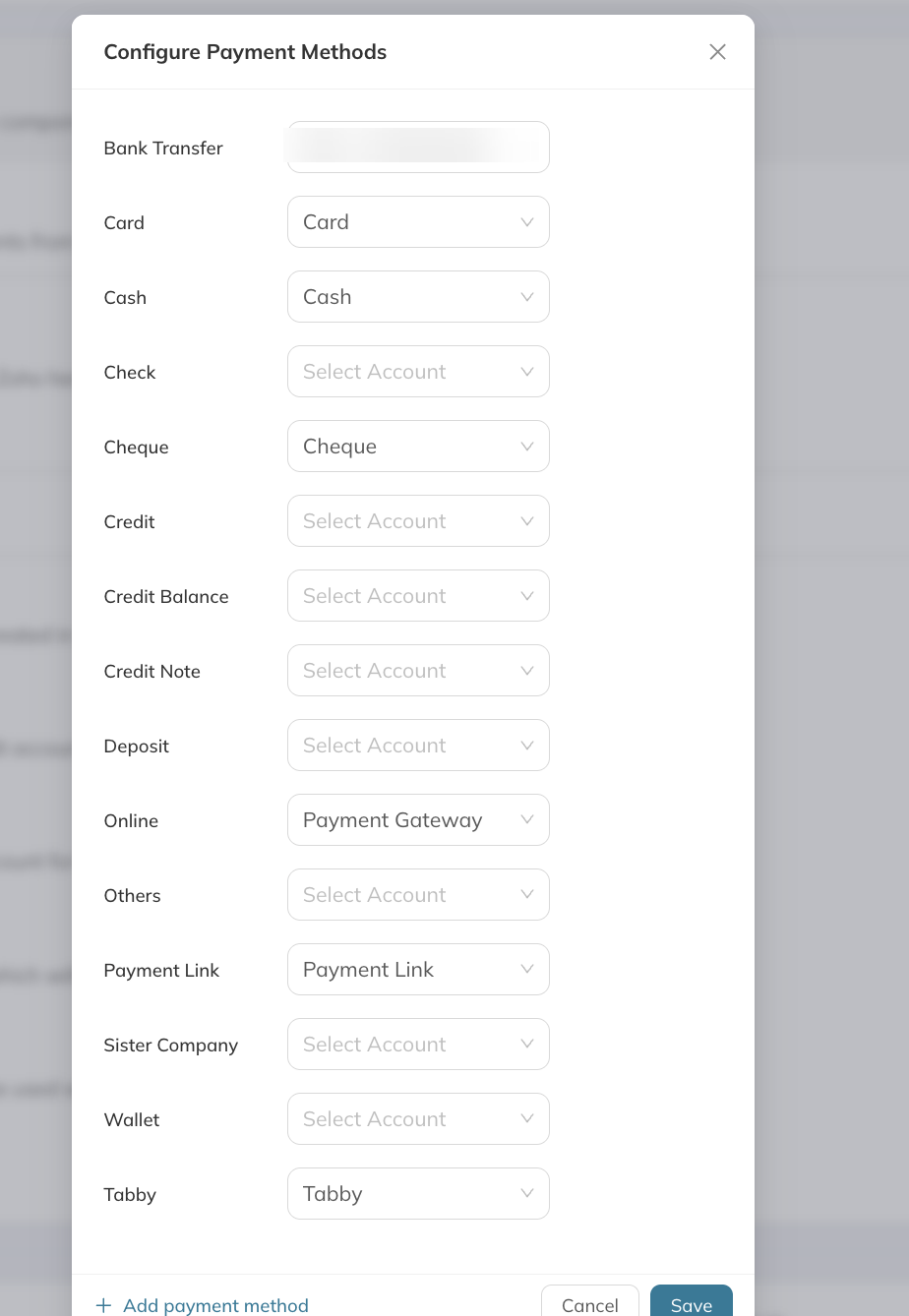
- Map your accounts once. Set the default Payment Account and Line Item Account under Invoices, then map each illumine payment method (cash, card, bank transfer, cheque, payment gateway, Tabby, and so on) to the matching Zoho account.
- Map centres to Zoho locations, if your organization uses them, common for multi-branch nurseries, so invoices from each centre post to the right place.
- Match existing students to their Zoho contacts. If you already have customer records in Zoho from before connecting illumine, do this once, right after connecting. It's what stops the first sync from creating duplicate customers. Anything left unmapped simply becomes a new Zoho contact on first sync, which is fine for genuinely new students.
From that point on, invoices, payments, credit notes, and refunds sync automatically. There's no parallel bookkeeping period and no need to change how your team already works inside illumine. Our onboarding team handles the heavy lifting and stays with you through go-live.
illumine Is More Than Accounting Sync
The Zoho integration solves one expensive problem, but it sits inside a platform built to run your whole nursery. With illumine's childcare billing software you can also:
- Automate childcare billing and payments end to end, including reminders and in-app collection
- Manage enrolment from first inquiry to admission with illumine's nursery management software
- Track attendance and occupancy accurately
- Strengthen parent communication in 20+ languages
- Create AI-powered lesson plans and assessments
No juggling separate apps for billing, communication, and accounting. Everything connects, which is why 4,000+ centres across 60+ countries trust illumine.
If your finance team is also navigating e-invoicing mandates elsewhere in the region, see our guide to ZATCA e-invoicing for nursery management in Saudi Arabia.
Frequently Asked Questions
Does illumine's Zoho integration work for UAE nurseries?
Yes. The complete Zoho Accounting integration is built for nurseries in the UAE and wider GCC, syncing invoices, payments, credit notes, deposits, and refunds to Zoho Books automatically.
Can illumine handle refundable childcare deposits in Zoho?
Yes. Zoho Books doesn't natively support refundable childcare deposits, so illumine manages the full deposit lifecycle, recording, applying, converting to credit notes, and refunding, while keeping Zoho synchronised behind the scenes.
Do I still manage billing in illumine or in Zoho?
You continue to manage all childcare billing inside illumine. Zoho Books stays automatically up to date, so there's no duplicate data entry between the two systems.
How long does setup take?
Connecting Zoho takes a few clicks and a one-time authorisation. You map fee components, payment methods, and (if relevant) locations to Zoho once, and syncing runs automatically after that.
How do I know if a record has actually synced to Zoho?
Check the record itself. A green "Sync" indicator means it's up to date in Zoho. If it's missing or shows an error, the record likely hasn't synced or isn't mapped to a Zoho contact yet, and you can trigger a manual sync from Actions → Sync Selected Students to force an update.
What happens to students who already exist as contacts in Zoho?
Match them to their existing Zoho records during first-time setup, using Student Mapping on the Zoho Integration page. This prevents illumine from creating duplicate customer records when the first sync runs.
See It On Your Own Books
If your team is spending month-end reconciling two ledgers, the fastest way to understand the difference is to see your own billing flow into Zoho.