
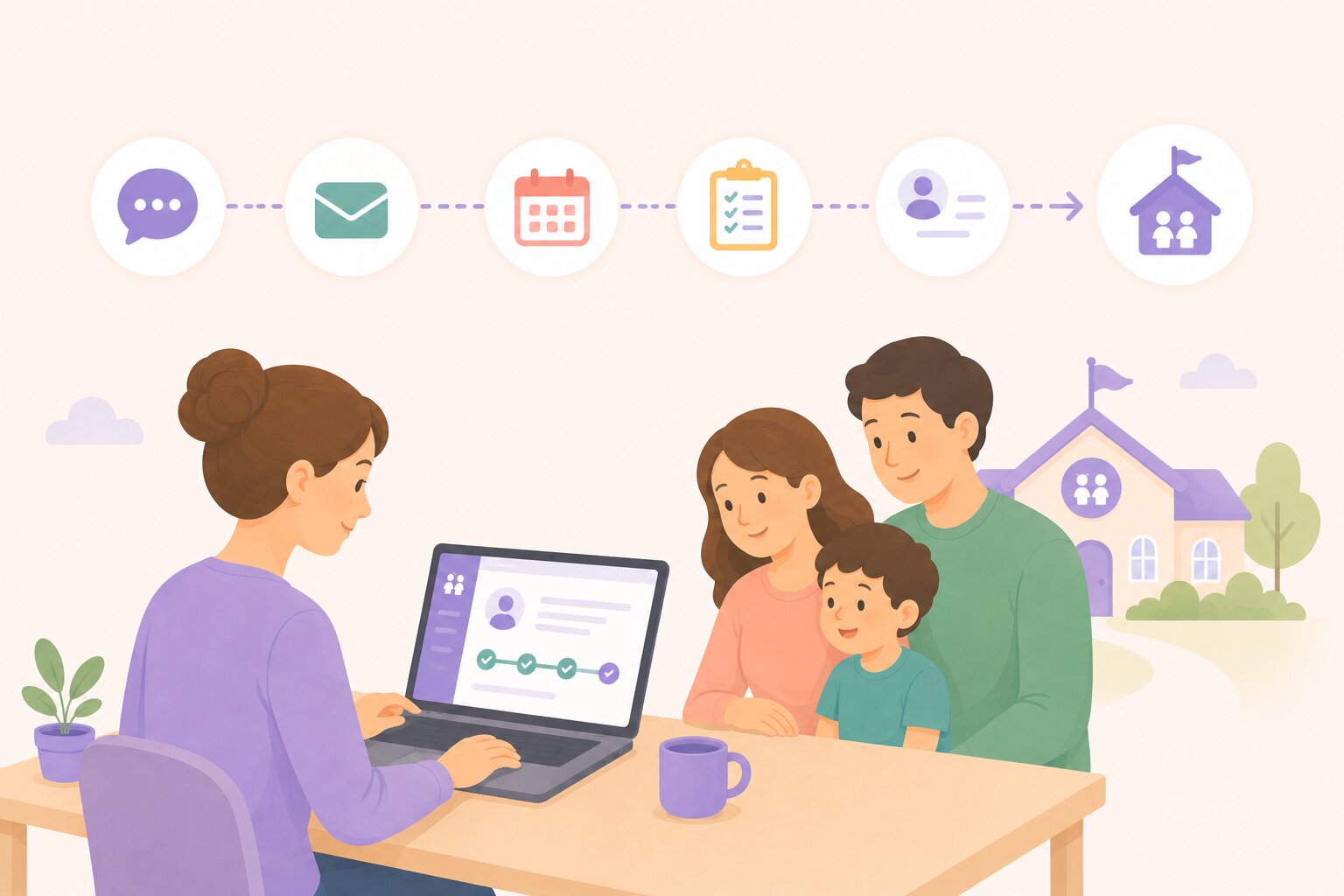


Enrollment rarely happens in a single step. A family submits an inquiry, then they provide more information, perhaps they pay an application or registration fee, and they tour the center.
If the right classroom isn't available yet, they join a waitlist. Eventually, they enroll.
Each step makes sense individually. The operational problem appears when every step happens in a different tool.
Everything sits on different tools: a website form, a payment platform, a scheduling calendar, a spreadsheet, an admissions inbox. And staff are left connecting the pieces.
illumine's Inquiries module brings those steps together so the family's enrollment journey can stay connected from initial interest through registration. It builds on the same childcare CRM foundation that captures each inquiry in the first place.
Start by capturing the information you'll eventually need
Most inquiry forms are designed only to generate a lead: name, phone number, email, and maybe a "Tell us what you're looking for."
But childcare enrollment requires much richer information.
Programs, age groups, desired start dates, family details, and center-specific questions can all affect whether a family can enroll, and when.
With illumine inquiry Forms, centers can capture structured information earlier in the process. That matters most when those forms are just one of several channels bringing in childcare leads, since the structure needs to hold no matter where the inquiry started.
Custom fields allow schools to collect information that reflects their specific admissions requirements.
More importantly, relevant information can be linked with student fields so that when an inquiry eventually becomes an enrolled family, staff don't need to start the data-entry process again from scratch.
The information collected during admissions becomes useful downstream.
Collect registration or application payments during the inquiry journey
For many programs, registration also involves a payment. That creates another common break in the workflow. A family completes a form, staff sends separate payment instructions, and the parent pays somewhere else. Then a third person has to determine whether the payment belongs to the inquiry.
illumine allows centers to incorporate payments into inquiry Forms, enabling them to collect applicable registration or holding fees online as part of the process, or generate an invoice when payment should happen later.
That keeps another important enrollment event tied to the family's journey.
Give teams visibility into inquiry-related payments
Once payments become part of admissions, tracking matters.
Which prospective families have been invoiced?
Which payments are associated with the inquiry process rather than regular tuition?
Inquiry Invoice Reporting gives teams a dedicated way to view invoices generated through the inquiry workflow, rather than mixing admissions-related activity into day-to-day tuition billing.
That provides clearer operational visibility for both admissions and finance teams, and those same invoices can sync directly to the center's accounting software. See illumine's CRM integrations for how billing connects to QuickBooks, Xero, and other accounting tools.
When the classroom is full, the journey shouldn't disappear into a spreadsheet
Not every qualified family can enroll immediately.
A classroom might be full.
The child may not yet be the right age.
The family's desired start date may be months away.
That's where waitlist management becomes part of the enrollment funnel, not an administrative afterthought.
With waitlist capabilities inside illumine, centers can organize prospective families around relevant programs and prioritization criteria, extending the same online registration and waitlist tracking that already runs the rest of the pipeline.
When capacity becomes available, teams can identify the right families to contact rather than searching through a spreadsheet or relying on someone's memory.
And because the waitlist is connected to the broader inquiry journey, staff have context when they reach out.
Tours connect interest with intent
.jpg)
For many families, the tour sits at the center of this journey.
They've expressed interest, but they want to see the environment, meet the team, and understand whether the center feels right.
That's why tour activity shouldn't sit in a separate scheduling tool.
With illumine's connected Tour Calendar and inquiry workflow, tour activity can stay associated with the family's admissions record.
That gives teams a clearer progression:
Inquiry → Qualification → Tour → Registration → Waitlist or Enrollment
rather than a collection of unrelated transactions.
Imagine the alternative
Consider the same journey across disconnected tools.
A parent completes a Google Form.
Staff copies their details into a spreadsheet.
Someone emails a payment link.
The parent books a tour through another calendar.
The classroom is full, so their name is added to another spreadsheet.
Three months later, a seat opens.
Now someone has to reconstruct what happened.
Did they tour?
Did they pay?
Which program did they want?
What was their desired start date?
Who last spoke to them?
Every handoff creates another opportunity for context to disappear.
A connected CRM reduces those handoffs, including the follow-up itself: automated nurture sequences can pick up exactly where the last interaction left off instead of waiting for someone to notice a family has gone quiet.
One enrollment record instead of four disconnected tools
The value of an enrollment platform isn't simply that it digitizes forms or creates a waitlist.
It's that every step can contribute to the same enrollment story.
Information captured during an inquiry can help create the student record.
Payments can stay associated with admissions.
Tours can remain visible in the pipeline.
Waitlisted families can retain their history and context.
And when the family finally becomes enrolled, staff aren't starting over.
That's the difference between digitizing individual enrollment tasks and building a connected enrollment journey.
Discover how illumine helps childcare centers manage enquiries, tours, registration, payments, and waitlists from one connected platform.
Frequently asked questions
What is a connected childcare enrollment system?
A connected childcare enrollment system keeps every step of a family's journey, inquiry, forms, payments, tours, and waitlist status, tied to one record instead of spread across separate tools. In illumine, that record carries forward automatically when the family enrolls, so staff don't re-enter data that was already captured.
Can parents pay registration fees during the inquiry process?
Yes. illumine lets centers collect registration or holding fees directly within inquiry forms, or generate an invoice for payment later. Either way, the payment stays linked to the family's inquiry record instead of living in a separate payment tool.
How does illumine track inquiry-related payments separately from tuition?
Inquiry Invoice Reporting gives admissions and finance teams a dedicated view of invoices generated through the inquiry workflow, so registration and holding fees don't get mixed in with regular day-to-day tuition billing.
What happens when a classroom is full and a family needs to wait?
The family moves onto illumine's waitlist, organized by program and prioritization criteria, while staying connected to their original inquiry. When a seat opens, staff can see the family's full history, including whether they toured or paid a fee, instead of starting from a blank record.
Do custom inquiry form fields carry over when a family enrolls?
Yes. Custom fields collected during the inquiry can be linked to student fields, so information gathered at the start of the process becomes part of the enrolled student's record instead of being re-entered from scratch.
How does tour activity stay connected to the inquiry record?
illumine's Tour Calendar is linked to the inquiry workflow, so a booked, completed, or missed tour shows up directly on the family's admissions record rather than living only in a separate scheduling tool.