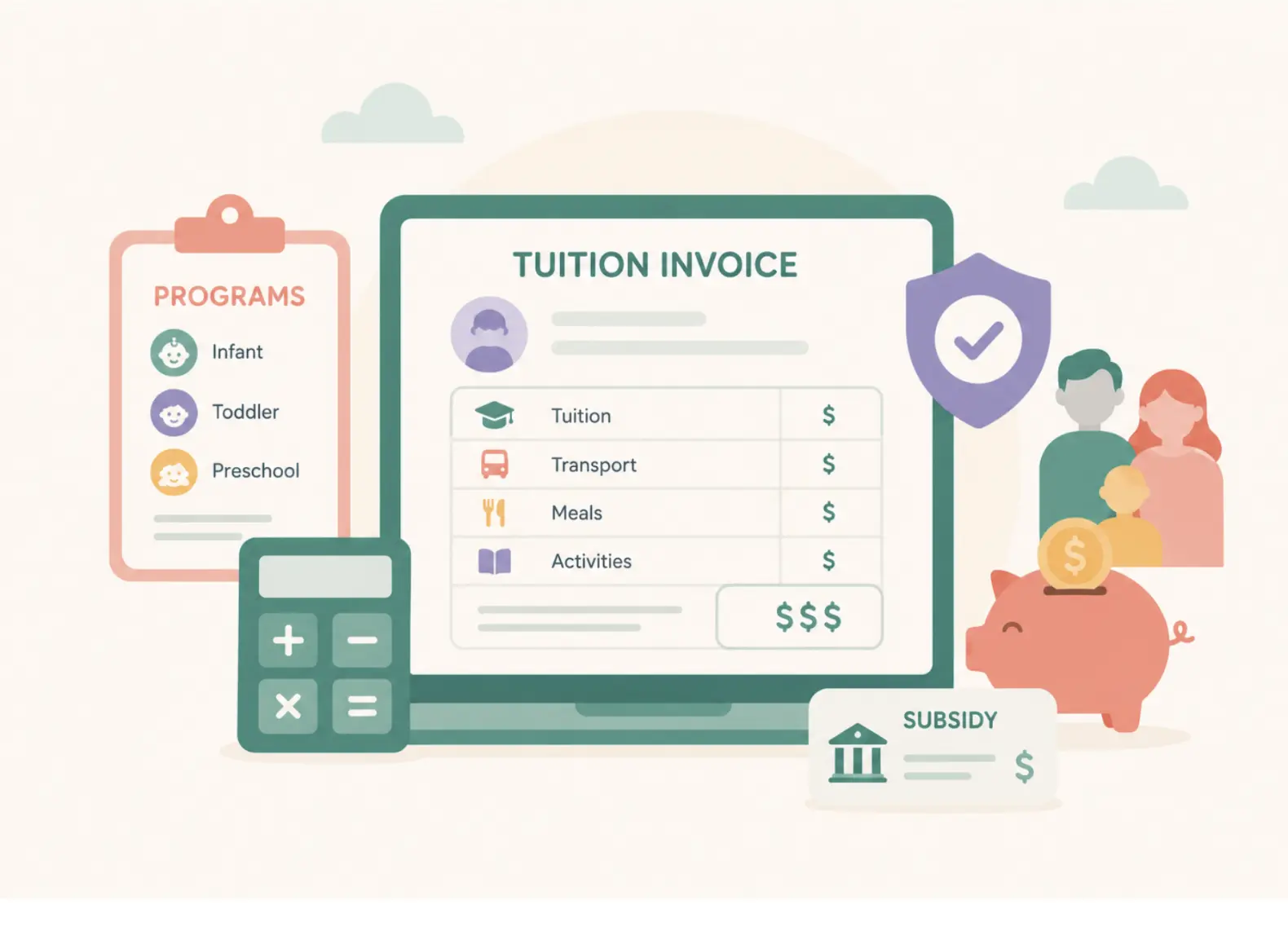


Childcare CRM software gives daycares, preschools and early childhood programs one place to capture inquiries, manage leads, schedule tours, automate follow-ups and turn prospective families into enrolled ones. It replaces the spreadsheets, shared inboxes and sticky notes most centers start with, and it is the enrollment layer of a broader childcare management software platform.
This guide explains what a childcare CRM does, the numbers that show why response speed matters, the features worth paying for, what it costs, the red flags to avoid and how AI is changing the category in 2026. It also covers the signs that your center has outgrown spreadsheets.
Quick answer
A childcare CRM is software that captures every family inquiry in one place, tracks each family through tour, application and enrollment, and automates the follow-ups that keep them engaged. You need one when inquiries live across inboxes, phones and spreadsheets, when nobody can say how quickly new inquiries get a reply, or when you cannot see which centers or lead sources actually produce enrollments.
Best for
Childcare owners, directors and admissions teams at single centers and multi-site groups
Updated
October 2026
In this guide
What a childcare CRM is, the response-time data, CRM vs generic CRM vs management software, features, cost, red flags, AI, and FAQs
Reading time
About 12 minutes
Key takeaways
- Speed decides most enrollments. Across the multi-site networks illumine works with, the average response to a new inquiry takes more than 26 hours.
- Tour reminders matter: illumine data shows no-show rates of 35 to 40% without automated reminders and below 12% with structured reminder workflows.
- A childcare CRM is built around families, children, programs and waitlists, which a generic sales CRM does not model without heavy setup.
- Most childcare vendors do not publish prices, so compare total cost and pricing model, not just the headline number.
- AI is now standard across the category. Judge vendors on what their AI does for inquiries, follow-ups and waitlists, not on whether they mention AI.
What is CRM in childcare?
A childcare CRM, also called daycare CRM software, preschool CRM software or childcare admissions software, manages every step of a family's enrollment journey, from the first inquiry to the day their child starts. Unlike a generic customer relationship management (CRM) system, it is built for the childcare industry: households with siblings, age-based programs, tours, waitlists and enrollment paperwork.
It brings inquiries from web forms, social media, phone calls and walk-ins into one dashboard, lets staff assign tasks and send personalized messages, and shows the whole enrollment pipeline at a glance. The result is that no family falls through the cracks between the first call and the first day.
Key functions of a childcare CRM
- Lead management: captures and organizes inquiries from new families.
- Task management: automates follow-ups and assigns tasks to team members.
- Enrollment management: handles digital forms, enrollment paperwork and waitlists.
- Family communication: keeps every email, text and call in one timeline.
- Reporting: shows enrollment trends, conversion by stage and which lead sources work.
The numbers that make the case for a childcare CRM
Most centers do not have a demand problem as much as a follow-through problem. Our Childcare Enrollment Report 2026 puts numbers on where families are lost.
26+ hours
Average response time to a new inquiry across the multi-site networks illumine works with, based on illumine data.
35 to 40%
Tour no-show rate without automated reminders, falling below 12% with structured reminder workflows, based on illumine data.
8 to 11
Touchpoints families typically need before they enroll, based on illumine data. Few teams can manage that by hand for every family.
1 to 4 hours
The window after an inquiry where, in Ruth Ann Rose's experience, the real difference is made.
The single change that has most consistently moved the needle is structured post-tour follow-up within 72 hours.
That is Harjit Rai, Senior Vice President of Operations at Otter Learning, in the Enrollment Report. He also found that high-performing locations moved families from inquiry to tour within about 24 hours, while underperforming locations took 7 to 10 days. Ruth Ann Rose, Owner and CEO of Rose Marketing Solutions, describes auditing one client and finding more than 200 leads that had never received a response, a staffing gap rather than a marketing failure.
Enrollment coach Ben Poswalk made the same point in our multi-site enrollment webinar: owners usually assume they need more leads, when the bigger issue is what happens after leads come in. A CRM is how you fix the after.
Childcare CRM vs. generic CRM (HubSpot, Salesforce and others)
Why not configure a general-purpose CRM? You can. HubSpot, for example, offers a free CRM tier. The catch is not price, it is fit: generic CRMs are built around companies and deals, not families and children, so a center ends up building its own data model and connecting it to everything else it runs.
Childcare CRM
Built for families and programs
- Siblings linked to one household
- Age-based program eligibility and waitlist rules
- Stages like Tour Scheduled and Application Submitted
- Connects to attendance, billing and parent communication
Generic CRM
Built for companies and deals
- Contacts and companies, not households
- Custom fields and setup for every childcare concept
- Sales-pipeline stage names by default
- Separate tools for attendance, billing and parent updates
For most single-site and multi-site childcare organizations, a purpose-built platform reaches full value faster than adapting a general-purpose CRM, without the custom setup.
Childcare CRM vs. childcare management software
The terms get used interchangeably, but they are not the same. A childcare CRM is the enrollment and lead layer: it captures inquiries, tracks tours, manages waitlists and automates follow-ups until a family enrolls. Childcare management software is the full operating system a center runs on after that: attendance, billing, parent communication and lesson planning, alongside the enrollment pipeline.
The line is blurring. Vendors that started as standalone CRMs now bundle center management too; LineLeader, formerly ChildcareCRM, now sells a family app and center management alongside enrollment, and Brightwheel markets its own CRM and enrollment forecasting. Others, like illumine, build the CRM as one module inside a single platform, so a family's enrollment record carries straight through to attendance, billing and daily communication without re-entering data. For multi-site groups especially, one connected platform avoids separate logins, integrations and data syncs at every location.
Essential features of a childcare CRM
| Feature | Why it matters | What it changes day to day |
|---|---|---|
| Lead and inquiry capture | Brings website, social, phone and walk-in inquiries into one dashboard. | No inquiry sits unseen in a personal inbox or phone. |
| Automated follow-ups | Sends personalized emails, texts and reminders on a schedule. | Families hear back fast, even when the office is busy. |
| Tour scheduling | Self-service booking links and automated reminders. | Less phone tag and fewer tour no-shows. |
| Digital enrollment and waitlist | One connected enrollment record with rules-based waitlist priority. | Faster paperwork and fewer data errors. |
| Unified family timeline | Every message, call and note on one record. | Any staff member can pick up a conversation with context. |
| Marketing automation | Drip campaigns and lead source tracking. | You learn which channels actually produce enrollments. |
| Reporting and analytics | Conversion by stage, by source and by center. | Staffing and marketing decisions rest on real numbers. |
| Security and access control | Encryption and role-based permissions. | Family data is protected and only the right people see it. |
Tip: choose a platform with configurable workflows so it mirrors your enrollment process without custom coding.
Might be useful
Signs you need a childcare CRM
- Spreadsheet overload: several staff members edit separate spreadsheets, so leads get lost or duplicated.
- Slow replies: families wait hours or days for an answer while a competitor responds first.
- Tour no-shows: tours are booked but families do not turn up, and nobody sends reminders.
- No pipeline visibility: you cannot forecast occupancy or see where families drop out.
- Admin overload: directors spend hours on follow-ups instead of with children and staff.
- Paper forms: enrollment packets and emergency contacts are still collected on paper.
- Missed follow-ups: families who toured hear nothing until they have enrolled elsewhere.
Built for multi-site and enterprise childcare organizations
Multi-site operators need things a single-center tool does not cover: one view of enrollment and occupancy across every location, the ability to route an inquiry to a center with open seats, and side-by-side conversion data. Our Enrollment Report illustrates the cost of not having it with a simple scenario: one center has a 40-family waitlist while another, a short drive away, has empty seats, and neither system knows about the other.
A platform built for scale should let a regional director drill into one center's pipeline or view the whole portfolio without switching tools. That is what illumine's enterprise childcare management software is built for.
How much does a childcare CRM cost?
Most childcare software vendors, including Procare, Brightwheel, LineLeader and Lillio, do not publish prices and quote based on your size and needs. That makes the pricing model more important than any single number.
Per center or per plan
A flat price per center or tier. Predictable as enrollment grows.
Per child
A price per enrolled child. Simple at first, but the bill grows with every family you add.
Per user or seat
Common with generic CRMs. Costs rise as more staff need access.
Add-ons
Marketing automation, AI or payment processing billed separately. Ask for the all-in total.
illumine prices by plan and number of centers rather than charging more for every family you enroll: Essentials for 1 to 2 centers, Growth + AI for 3 to 10 and Scale for 10 or more. See illumine pricing or ask for a quote, and confirm the all-in cost with any quote-based vendor during the demo.
Choosing the right childcare CRM
Use this checklist during product demos to see whether a platform fits the way your center enrolls families.
- End-to-end enrollment flow: from inquiry to signed enrollment forms in one record.
- Multi-channel lead capture: website, social media, phone and walk-ins.
- Automation depth: drip campaigns, task assignment and automated reminders.
- Parent self-service: families can book tours, upload forms and check waitlist status.
- Configurable workflows: matches your process without custom code.
- Mobile apps: staff and families can use it on the go.
- Security and permissions: encryption and role-based access.
- Integrations: connects with the billing, payment and communication tools you already use.
- Implementation support: data migration, training and responsive support.
- Transparent pricing: clear tiers and no surprise fees as you grow.
Want to see one in action? Explore illumine's admission management software and self-service tour scheduling.
Red flags to watch for when evaluating a childcare CRM
Pricing that punishes growth
Per-child pricing that looks fine at 30 children can get expensive quickly at 150.
Long lock-in contracts
Multi-year commitments are risky when your needs may change.
A generic CRM relabeled
Without a family-and-child data model, you will hit workarounds constantly.
No parent-facing app
Families expect to book, sign and check status from their phone.
Weak support
When enrollment software breaks in a busy admissions week, slow support costs real families.
How AI is changing childcare CRM in 2026
AI has moved well past chatbots, and it is now common across the category. Procare offers an AI support assistant, and lead-management tools such as IntelliKid offer AI that turns inquiry calls into lead profiles. The useful question is no longer whether a vendor has AI, but what it does for your enrollment pipeline.
Questions to ask about AI
- Does AI answer or route inquiries the moment they arrive, including after hours?
- Can it book tours directly into your calendar?
- Does it help prioritize waitlists and leads based on rules you set?
- Does it draft personalized follow-ups that a person reviews before they go out?
- Is it part of the same platform as enrollment, billing and attendance, or a separate add-on?
In illumine, the AI enrollment agent is a voice agent that answers inquiries around the clock and books tours, and the Growth + AI plan adds lead scoring that highlights the families most likely to enroll. See how it works in our guide to the AI enrollment agent for childcare.
How illumine handles childcare enrollment

Every inquiry captured
Website forms, Facebook Lead Ads and Meta and Google lead form sync feed one pipeline, and multi-center groups can route inquiries to the right center by ZIP code.
Tours booked online
Families book tours from any device, with automated email and text reminders.
Rules-based waitlists
Rank families by sibling status, staff priority and inquiry date.
Paperwork up front
Collect deposits, forms and consents online, including state-approved enrollment forms in the US.
Drip campaigns
Email and text nurture sequences keep families engaged until they are ready.
Fast switch-over
illumine moves you over from your current system in about four hours.
Playto, a three-center early learning group in New York City, replaced a shared inbox and sticky notes with illumine's enrollment CRM. It now captures 35% of new leads outside working hours, sends five automated follow-ups to every lead in their first 10 days, and runs enrollment marketing across all three centers with one person. Read the Playto case study.
Book a free demo to see how illumine fits your enrollment process.
Implementation: what a smooth switch looks like
Data migration
Import existing leads, enrollment records and family contacts securely.
Setup
Configure stages, workflows and forms to match your enrollment process.
Training
Onboard admissions staff and directors at every center.
Ongoing support
Review conversion data after launch and refine workflows.
Frequently asked questions
How fast should a childcare center respond to a new inquiry?
As fast as possible, ideally within the first few hours. Ruth Ann Rose of Rose Marketing Solutions puts the window where the real difference is made at the first 1 to 4 hours, yet illumine data shows the average response across multi-site networks takes more than 26 hours. Automated first replies close that gap.
Can a childcare CRM integrate with our existing billing or attendance software?
Many can, though depth varies from manual export to real-time sync. A CRM built into a full platform, like illumine, shares the same record with billing and attendance and syncs with QuickBooks and Xero. Confirm your specific tools during the demo.
How does a childcare CRM support centers planning to expand?
Look for one dashboard across all centers, inquiry routing to the location with open seats, and conversion reporting by center. That lets you add sites without adding spreadsheets.
How long does it take to train staff on a childcare CRM?
It depends on the platform and how many workflows you configure. Plan for a short onboarding for admissions staff, a few weeks of supported use and a review of conversion data after launch. Ask each vendor what onboarding is included in the price.
What are some signs you need a childcare CRM?
Inquiries scattered across inboxes, phones and spreadsheets, slow replies, tour no-shows, no visibility into where families drop out and directors spending hours on follow-ups are the most common signs.
What CRM systems work well for daycare centers and nursery schools?
CRMs built for early childhood education rather than generic sales CRMs. They handle inquiry-to-enrollment pipelines, tour scheduling, waitlists and parent communication in one system, so they map to how centers actually convert families.
What are the top CRM platforms for childcare centers with automated marketing features?
Look for automated drip campaigns for new inquiries, tour follow-up sequences, waitlist nurturing and enrollment reminders, plus lead source tracking. illumine, LineLeader, Procare and Brightwheel all market enrollment CRM features; compare how deep each one's automation goes.
How much does a childcare CRM cost?
Most childcare vendors do not publish prices and quote by size. Compare pricing models: per center or plan, per child, per user and paid add-ons. Per-child pricing grows with every family you enroll, so ask for the all-in cost at your current and planned size.
What should a childcare CRM reporting dashboard show?
Inquiry-to-tour and tour-to-enrollment conversion, tour show-up rates, response times, occupancy by classroom or age group and lead source performance, viewable by center for multi-site groups.
A childcare CRM turns a chaotic, manual enrollment process into a visible, automated pipeline. Whether you run one center or many, use the checklist above to evaluate your options, and look for a platform that carries each family from first inquiry to first day without re-entering data.