

A new parent inquiry arrives at 9:12 a.m.
Someone needs to respond.
Another family completed a tour yesterday.
Someone should follow up.
A prospective family has gone quiet after showing strong interest.
Someone needs to remember.
A parent submitted an inquiry but hasn't booked a tour yet.
Someone should probably reach out.
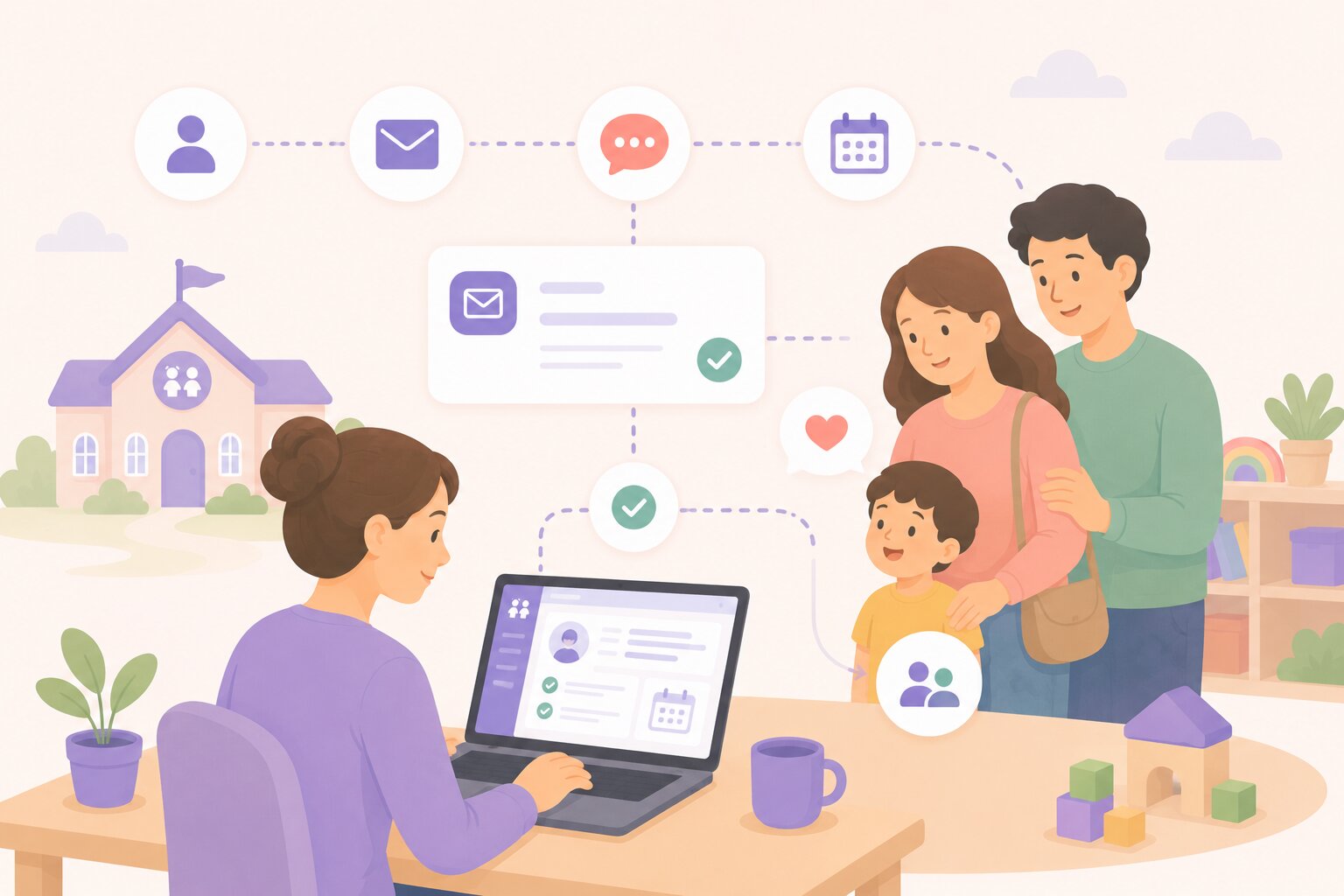
Multiply those moments across every prospective family and every center, and enrollment teams quickly encounter the same challenge:
Knowing what to do isn't difficult. Remembering to do everything at exactly the right time is.
That's where enrollment automation can help.
Not by replacing the relationships that drive childcare decisions, but by handling repetitive coordination so staff can spend more time on the conversations that actually need them.
Your enrollment pipeline should reflect how your center actually works
There isn't one universal childcare admissions process.
One organization might use:
New Inquiry → Contacted → Tour Scheduled → Toured → Application → Enrolled
Another may have qualification, waitlist, deposit, registration, or follow-up stages in between.
illumine's Pipeline and Stage Management lets teams structure stages around their actual admissions process, on top of the same childcare CRM foundation that captures each inquiry.
That matters for automation.
When your CRM understands what each stage means, an event or movement through the pipeline can become a signal for what should happen next.
Instead of staff monitoring every inquiry and deciding when to take the next routine action, illumine can use those moments to trigger predefined workflows.
Turn enrollment events into triggers
Automation starts with something happening.
For example:
That trigger can then launch the appropriate next action.
This is especially useful because the right follow-up often depends on where the family is in the enrollment journey. That context starts building the moment a family first reaches out, whether through a website form, WhatsApp, or a phone call.
A brand-new inquiry shouldn't receive the same message as a family that toured yesterday.
Automation lets centers build follow-up around that context.
One trigger can start the next step automatically
Consider a family that has just completed a tour.
That's an important moment in the enrollment journey. Interest is high, the experience is fresh, and the center may need additional information before progressing the family.
Instead of relying on a staff member to remember to send the next form manually, a center can create a simple automation:
Trigger: Tour completed
Action: Automatically share a follow-up form with the parent
The form could collect information such as the family's desired start date, program preference, additional questions, registration information, or feedback following the visit.
Once the tour is marked complete, the next step reaches the family automatically.
Staff don't need to check the calendar at the end of every day, identify completed tours, find the right form, and send individual follow-ups.
And parents aren't left wondering what they're supposed to do next.
This is what useful admissions automation looks like: one milestone naturally moves the family toward the next one.
Go beyond a single automated email
The same principle can work across the enrollment funnel.
A trigger can lead to actions such as:
Instead of creating isolated reminders, centers can build repeatable enrollment workflows around the actions their admissions teams perform every day.
Sample automation templates for childcare enquiries
Centers don't necessarily need to design every workflow from scratch.
Common admissions journeys can be turned into reusable automation templates that teams can adapt to their own enrollment process.
Here are a few examples.
Template 1: New Inquiry, Respond Immediately
.jpg)
Trigger: New inquiry created
Actions:
Best for: Making sure every new lead receives a fast response without depending on staff availability.
Template 2: Tour Booked, Reduce No-Shows
.jpg)
Trigger: Tour booked
Actions:
Best for: Reducing manual tour coordination while keeping families informed before their visit. This template pairs directly with illumine's self-service tour scheduling, since the reminders and reschedule links come from the same connected calendar.
Template 3: Tour Completed, Move the Family Forward
.jpg)
Trigger: Tour marked as completed
Actions:
For example:
Tour Completed → Thank-you Message → Follow-up Form → No Response → Staff Task
Best for: Turning the momentum immediately after a tour into a clear next step.
Template 4: New Inquiry, No Tour Booked, Re-Engage
Trigger: New inquiry created, but no tour booked within the center's chosen follow-up window
Actions:
Best for: Preventing interested families from quietly disappearing between inquiry and tour.
Template 5: Post-Tour, No Decision, Nurture
Trigger: Tour completed, but the inquiry hasn't progressed after the chosen number of days
Actions:
Best for: Keeping high-intent families engaged without requiring staff to manually review every completed tour.
Template 6: Stage Changed, Trigger the Right Next Step
Trigger: Inquiry moves to a specific pipeline stage
For example:
New → Qualified
or
Toured → Registration
Actions:
Best for: Making the CRM pipeline operational, rather than simply using stages as labels.
Automation should know when humans need to step in
The goal isn't to automate every parent conversation.
Some of the most important enrollment moments require exactly the opposite.
A highly interested family may need a personal phone call.
A parent with a complicated question may need an experienced admissions employee.
A family that just completed a tour might benefit from thoughtful, personal follow-up.
That's where Tasks and Follow-Ups become important.
Automation can create the task.
The person can handle the relationship.
Teams can use custom task types and My Tasks vs. All Tasks views to understand what requires attention and who is responsible for it.
Prioritize the leads most likely to need attention
Not every inquiry has the same level of intent.
One family may be casually researching options for next year.
Another may need care immediately, has completed a tour, and is already comparing two centers.
Treating those enquiries identically isn't necessarily the best use of an admissions team's time.
Smart Lead Insights can help teams identify signals such as Hot, Warm, or Cold leads and surface suggested next actions.
That adds prioritization on top of automation.
The question changes from:
"Which of these 100 enquiries should I call?"
to:
"Which families need my attention right now?"
What a connected nurture journey can look like
.jpg)
Now put those automations together.
Imagine a parent discovers your center and submits an inquiry form.
Step 1: Inquiry submitted. The family receives an immediate confirmation email and SMS. Their inquiry enters the appropriate CRM stage.
Step 2: Tour encouraged. The family receives the tour booking link and chooses a convenient available slot.
Step 3: Tour booked. The tour reminder sequence begins automatically, including relevant appointment and location information.
Step 4: Tour completed. The appointment and inquiry remain connected. Once the tour is completed, a post-tour automation shares a thank-you message and follow-up form with the parent.
Step 5: Parent takes the next step. The information collected can help move the inquiry toward registration, waitlist, or another appropriate stage, part of the same connected inquiry-to-enrollment journey that keeps forms, payments, and tours tied to one record.
Step 6: Family goes quiet. Instead of disappearing into the CRM, the inquiry can trigger another follow-up or a task for an admissions staff member.
Step 7: Staff knows where to focus. Smart Lead Insights and Tasks and Follow-Ups help the team identify which families warrant personal outreach.
The journey becomes:
Inquiry → Automated Response → Tour Booking → Tour Reminders → Tour Completed → Follow-Up Form → Nurture → Human Follow-Up → Enrollment
At every point, automation handles predictable mechanics.
Staff handle the moments where judgment, empathy, and conversation matter.
Use email, SMS, forms, tasks, and WhatsApp as parts of one journey
Enrollment automation shouldn't mean "send more emails."
Families interact through different channels, and different stages call for different actions.
An acknowledgement might work over email.
A tour reminder may be more effective as an SMS.
A completed tour may need a form.
A high-intent lead may require a staff task and phone call.
Another segment may be appropriate for WhatsApp communication using approved templates.
The important part is that these aren't treated as disconnected activities.
They become actions within the same enrollment journey, running natively rather than needing separate tools bolted on. See illumine's CRM integrations for the full list of what connects in, from WhatsApp to accounting software.
Your CRM should tell your team what's next
Traditional CRMs are very good at storing information.
But an enrollment team doesn't simply need to know what happened.
They need to know what should happen next.
That's the bigger opportunity when automation, tasks, forms, pipeline management, tours, communication, and lead intelligence work together.
A tour being marked complete isn't merely another status update.
It can share the next form.
A new inquiry isn't simply another CRM record.
It can start a nurture journey.
A lead going quiet isn't simply something staff discover two weeks later.
It can become a follow-up task.
The CRM moves from being a database staff maintain to a system that helps staff operate.
And that's the role automation should play in childcare enrollment.
Automate the repetitive follow-up. Keep every family moving. And give your admissions team more time for the conversations that turn enquiries into enrollments, with illumine.
Frequently asked questions
What is enrollment automation for childcare centers?
Enrollment automation triggers routine admissions actions, such as emails, SMS, forms, or staff tasks, based on events like a new inquiry, a booked tour, a completed tour, or a pipeline stage change. It handles predictable follow-up so admissions staff can focus on conversations that need a personal touch.
Can automation send different messages depending on where a family is in the pipeline?
Yes. Because illumine's Pipeline and Stage Management reflects a center's actual admissions process, an inquiry moving between stages, such as New to Qualified or Toured to Registration, can trigger the specific communication and next steps relevant to that stage.
What happens if a family goes quiet after a tour?
If an inquiry doesn't progress within a chosen number of days after a tour, illumine can automatically send a follow-up communication and create a task for admissions staff, so the family doesn't get missed simply because no one remembered to check in.
Does automation replace phone calls and personal follow-up?
No. Automation handles the repetitive coordination, such as confirmations, reminders, and forms, while creating tasks for staff when a family needs a phone call or a more personal conversation. Teams can use My Tasks and All Tasks views to see what still needs a human response.
What is Smart Lead Insights and how does it prioritize leads?
Smart Lead Insights flags inquiries as Hot, Warm, or Cold based on signals in their activity and surfaces suggested next actions, so admissions staff know which families need attention right now instead of reviewing every inquiry equally.
Can automated follow-ups run over WhatsApp and SMS, not just email?
Yes. illumine's automation actions include email, SMS, WhatsApp communication using approved templates, form sharing, and staff task creation, so a center can match the channel to the moment instead of relying on email alone.