
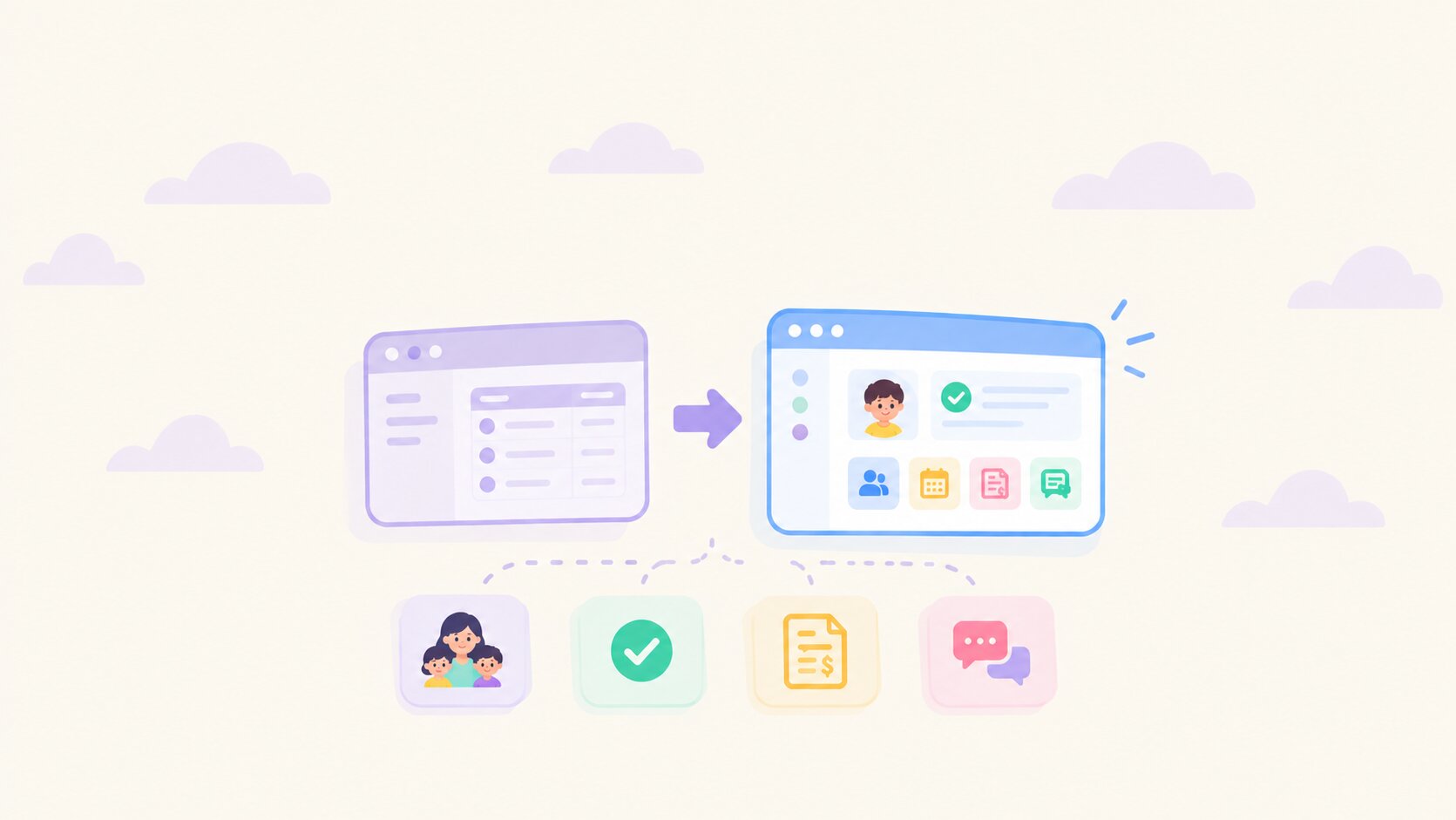


Switching software can feel like a big leap, and most of the hesitation comes down to one thing: your data. Let's clear up the most common misconceptions about childcare software migration.
Myth 1: "I'll lose my data when I switch"
Reality: Your data comes with you, including your full history. illumine offers one of the most comprehensive data migrations in childcare software. We do not just bring over what is current. We migrate your complete historical data, including:
- Students, plus their programs and rooms
- Staff information
- Student forms and previous form submissions
- Inquiries
- Billing data, including tuition plans, discounts, and open and credit balances
- Historical records such as past attendance, invoices, and payments
Myth 2: "I'll have to move it all myself, and pay for it"
Reality: We do it for you, and it's free. Migration is included in every illumine onboarding, with no setup fees and no separate migration charge. Just give us access to your current tool, and our team handles the rest. You'll also have a dedicated onboarding specialist who checks in regularly and is there whenever you have a question.
Customer story: Playto, a three-center early-learning group in New York, moved from a legacy childcare app to illumine with 100% of its data migrated and dedicated training calls for every center's admissions staff. Read how Playto made the switch
Myth 3: "My setup is too complex, no one will be able to migrate it"
Reality: We've seen it all. We regularly migrate data from Brightwheel, Procare Cloud, Procare Desktop, Facts, Montessori Compass, Playground, Transparent Classroom, and LineLeader.
Using something else? Just tell us what you're on, and we'll migrate your data from it.
Running more than one center? We bring every location into a single illumine account with one consistent structure, even if each center set things up differently in your old tool. That means no reconciling mismatched records across sites, and you can see all your centers side by side from day one.
Myth 4: "It'll take weeks"
Reality: It takes days. We migrate your data within 3 business days of getting access to your current tool.
Myth 5: "I'll have to wait for the start of the school year"
Reality: You can switch any time. Because migration takes days, not months, there is no need to hold out for a new school year or a quiet summer. Centers move to illumine mid-year all the time. If you want to time it around a lighter week, your onboarding specialist will help you plan it, but you never have to wait months to get started.
Myth 6: "My center will be disrupted while we switch"
Reality: Your center keeps running as normal. While we migrate your data, you keep using your current tool exactly as you do today. Nothing changes for your staff or families until you've reviewed your data, your team is trained, and you choose to go live.
Myth 7: "Something will go wrong and I won't know"
Reality: Nothing goes live until you've checked it. Once your data is in illumine, you review and verify it to make sure everything is exactly as you expect. If anything needs clarifying, your onboarding specialist and our support team are there to help you through it.
Myth 8: "Parents will have to fill everything in again"
Reality: Families pick up right where they left off. Because we migrate student forms and previous submissions along with billing data and balances, parents do not need to re-fill forms or re-upload documents. When you go live, families simply get an invite to the illumine parent app, and their child's information is already there.
Myth 9: "Giving you access to my current tool isn't safe"
Reality: Your data is protected by SOC 2 compliant security. illumine is SOC 2 compliant, which means our security controls for handling customer data are independently audited. The same standards apply to your data during migration as they do every day after you go live. And you stay in control: once your migration is complete and verified, you can change your old tool's password whenever you like.
Myth 10: "I'm on pen and paper, so I'll be starting from scratch"
Reality: Migration applies to you too, and it's simpler than you'd think. If you're running your center on registers, binders, and spreadsheets instead of software, you might think migration does not apply to you. It does.
All we need is your data, shared in the format your onboarding specialist provides. Once we have it in that format, your data will be live in your illumine account within 24 hours.
And if putting your data into that format feels like a challenge of its own, don't worry. Just hand it over to your onboarding specialist as it is. They'll transform it and upload it into illumine on your behalf.
What the switch actually looks like
- Give us access to your current tool, or share your records.
- We migrate your data within 3 business days.
- You review and verify.
- Our team trains your staff until they're comfortable.
- You go live.
Ready to make the switch?
The biggest reason centers hesitate is their data, and that's the part we take care of. Once your migration is done, you won't feel like you've moved to a new system at all.
It'll feel like your data was on illumine all along, just with a far better childcare management experience wrapped around it: smoother billing, simpler daily operations, and one platform that finally keeps up with how your center actually runs.
Frequently asked questions
How long does it take to switch to illumine?
illumine migrates your data within 3 business days of getting access to your current tool. If you are on paper or spreadsheets, your data is live within 24 hours of receiving it in the format your onboarding specialist provides. You then review your data, your team is trained, and you go live when you are ready.
Does illumine charge for data migration?
No. Data migration is free and included in every illumine onboarding, with no setup fees.
Will I lose my historical data when I switch?
No. illumine migrates your complete historical data, not just current records, including students, staff, forms and past submissions, inquiries, and billing data with balances.
Which childcare software can illumine migrate data from?
illumine regularly migrates data from Brightwheel, Procare Cloud, Procare Desktop, Facts, Montessori Compass, Playground, Transparent Classroom, and LineLeader. If you use a different tool, or paper and spreadsheets, the team will migrate from that too.
Can I switch childcare software in the middle of the school year?
Yes. Because migration takes days and your center keeps running on your current tool until you go live, you can switch at any point in the year.
Is my data secure during migration?
Yes. illumine is SOC 2 compliant, and the same independently audited security controls apply during migration as after you go live.