

The best CACFP software for your center depends on how you file claims.
CACFP software is any tool that helps a childcare center plan creditable menus, record point-of-service meal counts, and turn those records into a reimbursement claim under the Child and Adult Care Food Program (CACFP).
It falls into two camps: dedicated CACFP claiming software such as KidKare and My Food Program, and daycare management software that includes CACFP meal tracking alongside attendance, billing, and parent communication.
Which one fits comes down to a question most buyers skip: who actually submits your claim, you or a sponsoring organization?
Best for
Center owners and directors choosing CACFP software
Covers
Seven tools compared on meal counts, menus, eligibility, claims, and pricing
Based on
USDA guidance, state CACFP handbooks, and vendor documentation
Updated
November 2026
Key takeaways
- USDA does not accept attendance or enrollment records as claim support. Your software must record meal counts at the point of service.
- Dedicated claiming tools such as KidKare and My Food Program go deepest on edit checks, eligibility, and claim calculation.
- Daycare management platforms such as illumine, Brightwheel, Procare, Playground, and Famly keep meal data next to attendance and billing, which cuts double entry.
- If a sponsor files your claims, ask what software it requires before you buy anything.
- For the July 2026 to June 2027 year, a free-rate lunch reimburses $4.76, so small counting errors add up quickly.
What is CACFP software?
CACFP software is a digital system that childcare centers, family childcare homes, and sponsoring organizations use to manage the paperwork behind the U.S. Department of Agriculture (USDA) Child and Adult Care Food Program. At minimum it records daily meal counts at the point of service, stores menus that meet CACFP meal patterns, tracks attendance and enrollment, and produces the monthly totals a center needs to file a reimbursement claim.
The CACFP is a federal program, run by state agencies, that reimburses eligible programs for nutritious meals and snacks served to enrolled children.
Reimbursement is earned meal by meal. That is why the records matter so much.
People search for this category under several names: CACFP meal tracking software, CACFP food program software, CACFP program management software, or simply Food Program software. The depth of each product varies a lot.
Why CACFP record keeping is unforgiving
In October 2026, USDA issued updated guidance (memo CACFP 02-2027) restating the recordkeeping rules.
At minimum, required records include daily meal counts, food service records, and attendance records. Most centers must also keep enrollment records.
The line that matters most for software buyers: attendance and enrollment records cannot be used to support a claim. Claims must be backed by point-of-service meal counts, recorded as each meal is served to each child.
The memo is also clear about the stakes. Missing, incomplete, or falsified records lead to disallowed meals, which become repayments, corrective action, or the serious deficiency process.
Here is what a center typically keeps on file:
- Enrollment forms for every child claimed, updated annually
- Income eligibility applications that set each child's free, reduced-price, or paid category
- Daily attendance or sign-in and sign-out records
- Point-of-service meal counts by meal type: breakfast, lunch, supper, and snack
- Dated daily menus showing food items and serving sizes for each age group
- Food purchase and expense records, including milk purchases
- Monthly claim records and the consolidation behind them
Records that support a claim must be kept for three years after the final claim for that fiscal year is submitted. Keep them longer if an audit finding is still open.
State agencies can add requirements on top of the federal minimum, so always check your state's CACFP handbook.
What CACFP reimbursement is worth in 2026-27
Software only pays for itself if it protects revenue.
These are the USDA national average payment rates for child care centers in the contiguous states, in effect from July 1, 2026, through June 30, 2027.
| Meal type | Free | Reduced price | Paid |
|---|---|---|---|
| Breakfast | $2.54 | $2.24 | $0.42 |
| Lunch or supper | $4.76 | $4.36 | $0.45 |
| Snack | $1.30 | $0.65 | $0.12 |
Centers that elect cash in lieu of USDA Foods also receive an extra $0.32 per lunch and supper. Alaska and Hawaii have higher rates.
To see why accuracy matters, take an illustrative center with 60 children who all qualify at the free rate and get breakfast, lunch, and a snack each day.
That is $8.60 per child per day, or roughly $10,836 over a 21-day month. If 3% of those meals are disallowed for missing or mismatched counts, the center gives up about $325 that month.
Two rules commonly trip up manual systems:
Daily claim limits
A child can be claimed for no more than two meals and one snack, or one meal and two snacks, per day.
The for-profit 25% rule
For-profit centers can only claim in months when at least 25% of enrolled children, or 25% of licensed capacity if that is lower, qualify for free or reduced-price meals.
Good CACFP software applies rules like these automatically, so errors surface before a claim goes out rather than during a review.
The two types of CACFP software
This is the distinction most best CACFP software lists blur together.
1. Dedicated CACFP claiming software
These tools are built around the Food Program itself: eligibility, meal patterns, edit checks, claim calculation, and often claim submission and sponsor monitoring.
Examples include KidKare (by Minute Menu), My Food Program, CenterPilot, ChildWatch, and CACFP.net. All appear in the National CACFP Sponsors Association's 2026 claiming software resource.
They go deep on CACFP but are not built to run the rest of your center. You may still need other tools for billing, enrollment, staff, and parent communication.
2. Daycare management software with CACFP features
Platforms such as illumine, Brightwheel, Procare, Playground, and Famly are built to run center operations: attendance, billing, enrollment, and family communication. Many now include menu planning, meal logging, and CACFP reports.
The tradeoff runs the other way. Meal data sits next to attendance and enrollment, which reduces double entry, but CACFP depth varies widely.
Some platforms produce claim-ready totals. Some produce supporting reports only. Some integrate with dedicated claiming tools to close the gap.
How the two approaches compare
| Factor | Dedicated CACFP claiming software | Daycare management software with CACFP features |
|---|---|---|
| Core purpose | Food Program administration and claims | Running daily center operations |
| Claim calculation and edit checks | Usually deep and rule-driven | Varies by product, from full totals to basic reports |
| Claim submission | Often supported, or sponsor-connected | Typically exports data rather than submitting |
| Billing, enrollment, parent app | Limited or absent | Core features |
| Double data entry risk | Higher if run alongside a separate center system | Lower, since attendance and meals share one record |
| Best fit | Sponsors, independent centers with high claim volume | Centers that want one system for operations |
Worth knowing: KidKare states on its own site that institutions using center management software for CACFP attendance and meals require manual verification by state reviewers.
That is a vendor's claim, not a federal rule. It is still a useful question to put to your state agency before you choose.
Who submits your claim? Start here
Before comparing features, place your center in one of these three situations. It narrows the shortlist fast.
Sponsored center
A sponsoring organization holds the agreement with the state and files claims for you. Your sponsor may already require or provide software, so ask first. Your job is accurate daily records that flow to the sponsor cleanly.
Independent center filing directly
You carry full responsibility for eligibility, edit checks, and the claim. Dedicated claiming software, or a platform with strong claim-ready reporting, earns its cost here.
Multi-site operator
You need consistent menus and meal counting across locations, plus a consolidated view. Look for central menu templates, role-based access, and reporting that rolls up across sites.
Best CACFP meal tracking software compared
The table below summarizes what each product publicly documents about its CACFP capabilities, and the situation each one suits best.
It is based on vendor websites, help center articles, and review sites, not hands-on testing. illumine is our own product, so we list it first. The order is not a ranking: the right pick depends on how you claim.
| Software | Type | Best for | Publicly documented CACFP capabilities | Published pricing |
|---|---|---|---|---|
| illumine | Management platform | Centers and multi-site groups that want menus, allergens, and attendance in one system | Meal Planner with room-level menus, age-based serving sizes, allergen tracking, CACFP summary and detailed meal tracking reports | Quote-based |
| KidKare Food Program | Dedicated claiming | Independent centers filing directly with the state, and sponsors | CACFP-pattern menus, point-of-service meal counts and attendance from any device, 250+ automated edit checks, claim calculation | Custom pricing per Software Advice |
| My Food Program | Dedicated claiming | Centers and sponsors that want flat, published pricing | Point-of-service meal counts that can be locked, offline mobile app, claims by program type, QuickBooks Online integration | $66.25 per month per center program, per its pricing page |
| Brightwheel | Management platform | Centers that want meal logging tied to check-ins in an all-in-one app | Menus, meal logging, CACFP meal summary report with free, reduced, and paid views | Quote-based |
| Procare | Management platform | Centers that want meal tracking inside an established operations suite | Meal Tracker with menus, free, reduced, and paid status levels, meal tracking reports | Quote-based |
| Playground | Management platform | Centers pairing an operations app with KidKare or My Food Program | Meal logging that feeds a CACFP report, meal subsidy types, integrations with KidKare and My Food Program | See vendor |
| Famly | Management platform | Centers that want claim limits applied inside meal reports | Meal totals report that applies daily claim limits, child-level meal log with eligibility category | See vendor |
illumine (best for connected menus, allergens, and attendance)

illumine launched its Meal Planner module in June 2026, connecting menu planning to the attendance, billing, and parent records centers already keep in illumine.
What Meal Planner documents:
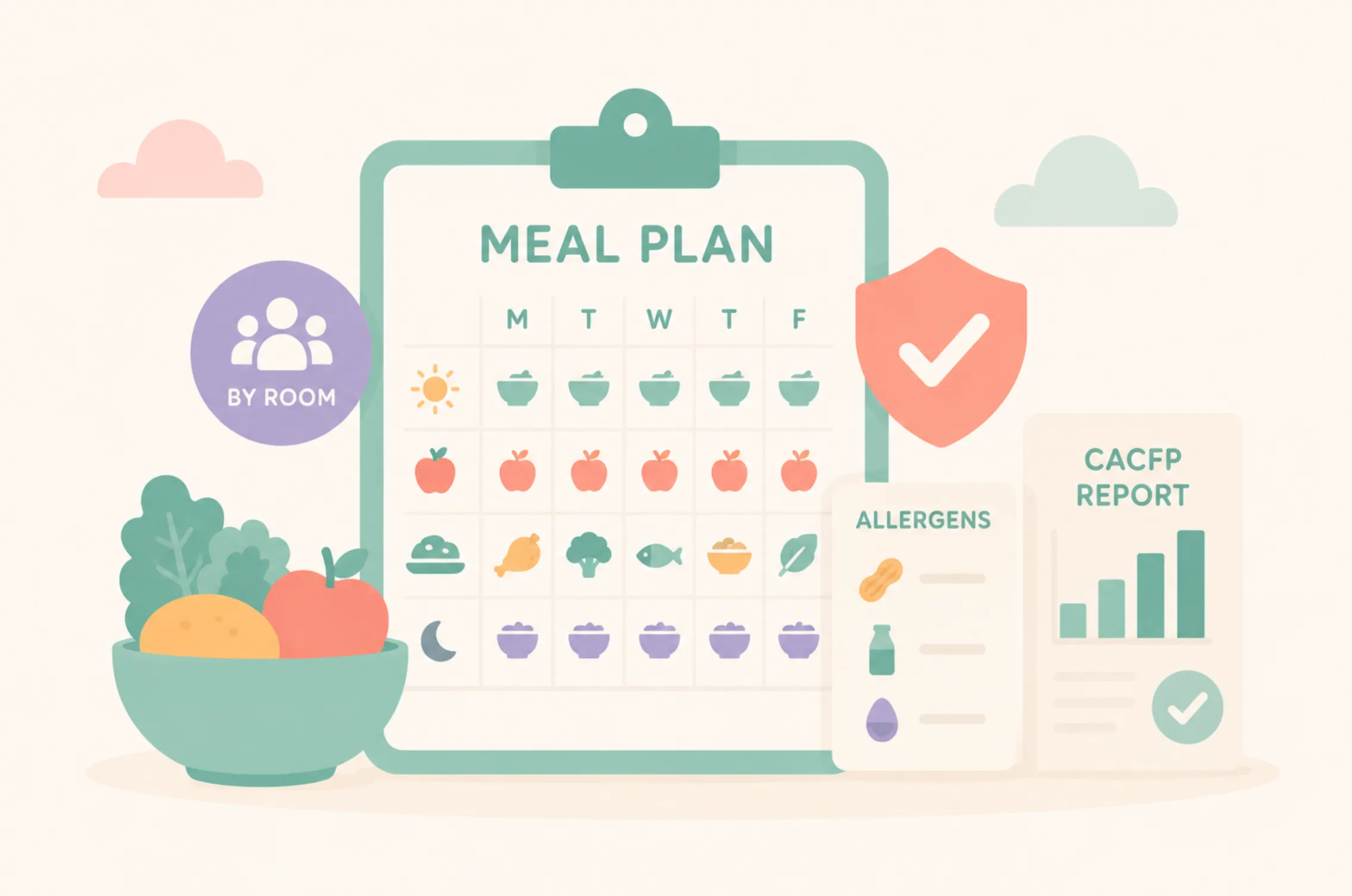
- Meal plans by room on a daily, weekly, or monthly basis
- A shared food library with serving sizes by age group
- Allergen flags on every food item, carried into every menu
- Reusable templates and printable PDF meal plans
- A CACFP summary report and a detailed meal tracking report covering meals served, serving sizes, age groups, and food items
illumine describes this release as its first phase, with more reporting planned. Centers that file claims directly with the state should confirm how its reports fit their claim workflow during a demo.
KidKare CACFP software (best for direct filers and sponsors)
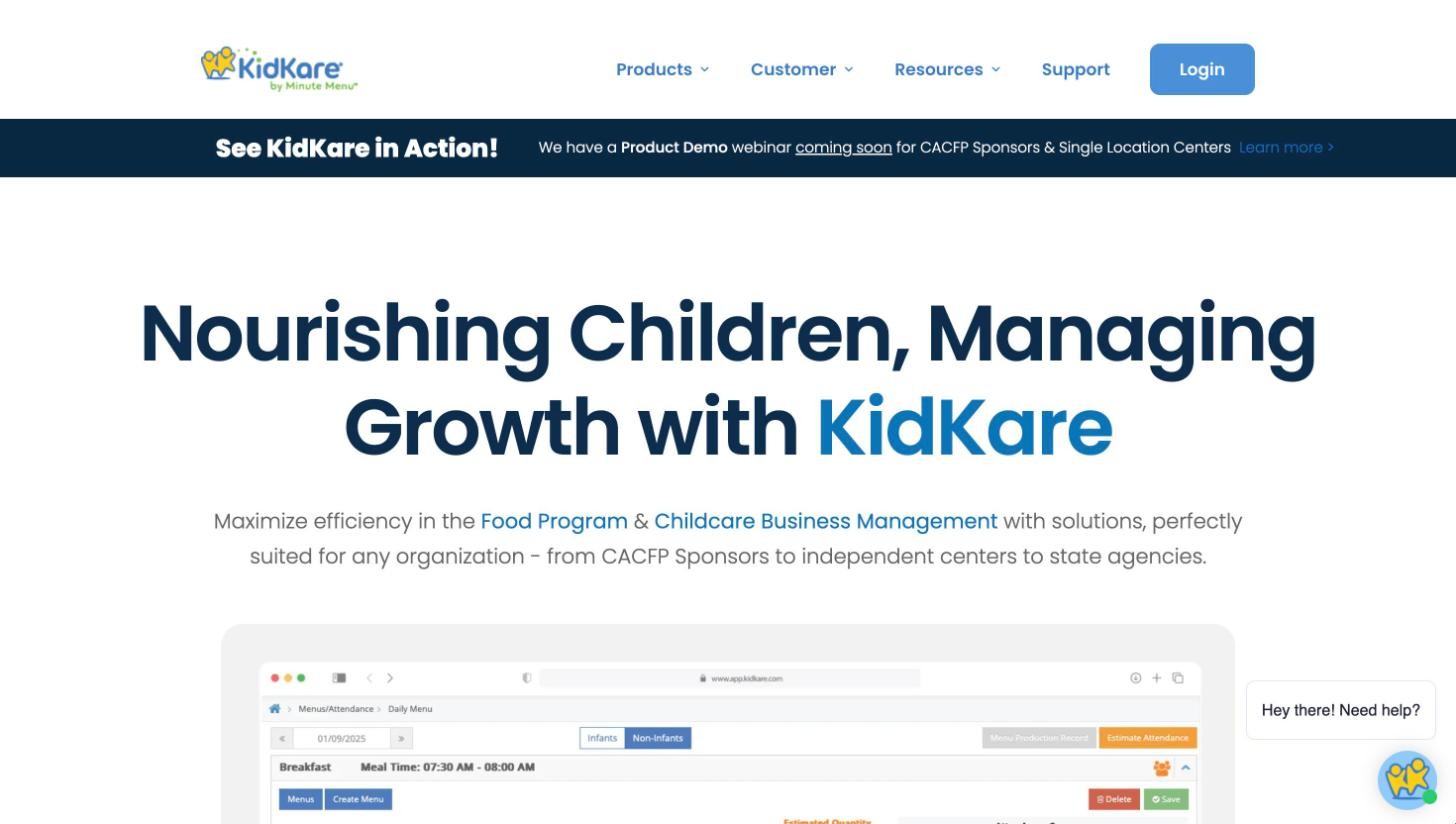
KidKare is one of the most established names in the category. It serves independent centers, sponsors of homes, sponsors of centers, and state agencies.
What stands out:
- For independent centers filing directly, KidKare says it automates menus, attendance, and claims
- More than 250 edit checks flag issues such as enrollment status, age, and disallowed meals before submission
- A 4.7 out of 5 rating from 389 reviews on Software Advice
- KidKare reports that Louisiana mandated its software for every CACFP site in the state in 2023
Pricing is custom.
My Food Program (best for transparent, flat pricing)
My Food Program is a dedicated tool for centers, homes, sponsors, and state agencies. It covers both the CACFP and the Summer Food Service Program (SFSP).
What stands out:
- Fully published pricing: a flat $66.25 per month per center program type, with setup, support, and the mobile app included
- Meal counts can be locked to enforce point-of-service recording
- The app works offline, which helps in classrooms with patchy Wi-Fi
Brightwheel (best for check-in-linked meal logging)

Brightwheel is an all-in-one childcare management platform. According to its help center:
- Its CACFP meal summary report compares meals served with meals that can be claimed
- It shows free, reduced, and paid status
- Exported records include check-in times and only count meals where the child was checked into that room
Its documentation describes exporting reports rather than submitting claims. Report date ranges are capped at one month.
Procare (best for an established operations suite)

Procare's Meal Tracker is documented in its support center. It lets centers:
- Configure meals and serving times
- Build and reuse menus
- Assign food program status levels such as free, reduced, and paid to each child
- Generate meal tracking reports by date, room, and meal type
Playground (best for pairing with a claiming tool)

Playground records meals through Eating posts in its app. Those posts feed a CACFP report showing students by meal subsidy type.
It also integrates with KidKare and My Food Program, pulling creditable menus in and pushing daily meal counts and attendance back for claim submission. That makes it a clear example of the hybrid approach.
Famly (best for built-in claim limit checks)

Famly's help center describes a CACFP meal totals report that applies claim rules automatically, including the daily limit on meals and snacks per child.
Each total links back to a child-level meal log showing eligibility category.
Features to look for in CACFP meal tracking software
Whichever type you choose, test these capabilities against your actual daily routine, not a sales script.
True point-of-service counting
Teachers record meals per child, in the classroom, as meals are served. Avoid tools that estimate counts from attendance.
Meal patterns by age group
Menus carry serving sizes for infants, toddlers, preschoolers, and school-age children.
Eligibility categories
Each child's free, reduced-price, or paid status comes from the income eligibility application and flows into claim totals.
Automatic rule checks
Daily meal limits, enrollment status, and age checks run before month end, not after a review.
Attendance linked to meals
Meals logged for a child who was never checked in are a red flag. The tool should catch the mismatch.
Allergen and dietary tracking
Allergies and substitutions are visible at the point of service, not buried in a file.
Audit-ready storage
Three years of searchable, exportable records beats boxes of clipboards.
Sponsor or state compatibility
Confirm what format your sponsor or state system accepts before you buy.
Single system or two? A practical decision guide
| Your situation | Likely best fit |
|---|---|
| Sponsored center, sponsor provides software | Use the sponsor's tool for claims, and choose a management platform that reduces double entry |
| Independent center, small enrollment, already happy with operations software | Add dedicated claiming software, or check whether your platform integrates with one |
| Independent center replacing paper across the whole operation | A management platform with CACFP reporting, validated against your state's claim process |
| Multi-site group | A platform with centralized menus and cross-site reporting, paired with claiming software if your volume is high |
The most expensive setup is usually the accidental one: a management platform for attendance, a separate tool for meals, and staff re-keying the same children into both.
Multi-site leaders describe the same cost. As one put it:
"Too much time was being spent on manual processes, duplicate data entry, and reconciling information across disconnected tools." Matthew Sears, SVP Technology, Guidepost Montessori, in illumine's Scaling Smart multi-center white paper
If you run two systems, make sure they integrate.
How illumine supports food program work
illumine is childcare management software used by more than 4,000 centers across 60+ countries.
For centers on the Food Program, its value is in connecting the meal side of the day with everything around it.
Meal Planner
Room-level menus with age-based serving sizes, allergen flags on every food item, and CACFP summary and detailed meal tracking reports. More in our meal planning guide.
Digital attendance
Timestamped check-ins and check-outs, the attendance records every CACFP center has to keep, through illumine digital attendance.
One child record
Enrollment, billing, and parent communication share the same record in illumine's daycare management software, so nothing is re-entered.
Multi-center groups
Standardize menus as templates and apply them across classrooms and sites with enterprise childcare management.
illumine pricing is quote-based. You can see the starting point for U.S. centers on the illumine USA pricing page.
Why trust this article
This guide was built from publicly verifiable sources. We did not test competitor products hands-on, and nothing here claims first-hand use.
What we reviewed
USDA's 2026-27 rate notice and October 2026 recordkeeping memo, state CACFP handbooks, the National CACFP Sponsors Association's 2026 software resource, vendor pricing, feature, and help center pages, and Software Advice.
Signals we checked
Point-of-service meal counts, menus, eligibility categories, rule checks, CACFP reports, published pricing, and documented integrations.
Inclusion
Products that publicly document CACFP-specific functionality for U.S. childcare centers.
Order
illumine is our own product and is listed first. The order is not a ranking, because the right tool depends on whether you file directly, work through a sponsor, or run multiple sites.
Features and pricing change, so confirm details with each vendor before you buy. The customer quote comes from illumine's published white paper and is attributed to the named speaker.
About the author: Isabel Riley is U.S. Market Expansion and Strategic Partnerships Consultant at illumine, where she leads customer onboarding, implementation readiness, and training for centers moving onto the platform.
She brings more than 20 years of multi-site early learning leadership experience and is the Founder and CEO of Educators Empowered.
Frequently asked questions about CACFP software
What is the best CACFP meal tracking software for childcare centers?
There is no single best option; it depends on how you claim. Independent centers filing directly with the state often choose dedicated claiming software such as KidKare or My Food Program for its edit checks and claim calculation. Centers that want one system for attendance, billing, and meals often choose a daycare management platform with CACFP reporting, sometimes integrated with a claiming tool.
Is KidKare the only CACFP software?
No. KidKare is one of the best-known CACFP software providers, but the National CACFP Sponsors Association's 2026 resource also lists My Food Program, CenterPilot, ChildWatch, CACFP.net, and Early Learning Ventures' Alliance Credible. Several daycare management platforms, including illumine, Brightwheel, Procare, Playground, and Famly, also offer CACFP meal tracking features.
Can daycare management software handle CACFP compliance?
Many daycare management platforms support CACFP record keeping with menus, meal logging, and CACFP reports, but their depth varies. Some calculate claim-ready totals with eligibility categories and daily meal limits, while others produce supporting reports only. Before choosing one, confirm it records true point-of-service meal counts and that its output is accepted by your state agency or sponsor.
How much does CACFP software cost?
Pricing varies by product and provider type. My Food Program publishes a flat rate of $66.25 per month per center program type, while KidKare and most daycare management platforms use custom or quote-based pricing. Weigh the cost against your monthly reimbursement, since even a small share of disallowed meals can outweigh a software subscription.
Can I record CACFP meal counts on a tablet or phone app?
Yes. Most CACFP meal tracking software includes a mobile or tablet app so teachers can record meals per child as they are served. The key requirement is that counts are captured at the point of service, because USDA does not accept attendance or enrollment records as support for a reimbursement claim.
Do I need CACFP software if my sponsor files my claims?
Not always. Many sponsors provide or require specific software, so ask your sponsor before buying anything. You are still responsible for accurate daily meal counts, menus, attendance, and enrollment records, so a system that captures those cleanly and shares data with your sponsor can still save significant time.
How long do CACFP records need to be kept?
Under USDA guidance, records that support a CACFP reimbursement claim must be kept for three years after the date the final claim for that fiscal year is submitted. If an audit finding is unresolved, records must be kept until it is resolved. Some states require longer retention, so check your state agency's handbook.