

AI-Powered Preschool Daily Reports: A Smarter Way to Improve Parent Communication
For many early childhood educators, the day doesn’t end when the last child goes home.
It ends after the preschool daily reports are written.
Between managing classrooms, guiding learning, comforting children, and coordinating routines, teachers already have full plates. Writing detailed daily reports often becomes an after-hours task - yet it plays a critical role in parent communication.
Parents want to know how their child’s day went.
Teachers want to share meaningful updates.
But time and energy are limited.
This gap is exactly where many preschools struggle today.
Why Preschool Daily Reports Matter More Than Ever
A well-written preschool daily report does more than share updates.
It builds:
- Trust with families
- Transparency in learning
- Strong parent-school relationships
- A sense of community
- Confidence in your program quality
For many parents, daily reports are their window into the classroom.
But producing high-quality, personalized reports every day is easier said than done.
The Real Challenges Teachers Face
Most preschool teachers care deeply about documentation - but reality gets in the way.
Common challenges include:
⏳ Time Pressure
Writing individual reports for each child is time-consuming.
✏️ Personalization Fatigue
Avoiding copy-paste language for every child is difficult.
📋 Inconsistent Quality
Tone and detail vary across teachers and classrooms.
⚠️ Missed Updates
Busy days can mean skipped reports.
💬 Impact on Parent Communication
When reports feel rushed or generic, parents notice - and trust can slowly erode.
Strong parent communication requires consistency, detail, and warmth. That’s hard to maintain manually every day.
What Makes a Great Preschool Daily Report?
Parents don’t just want data - they want stories.
A meaningful preschool daily report typically includes:
✔ Activities & Learning
What did the child explore or create?
✔ Social Interactions
Who did they play with? How did they engage?
✔ Routines
Meals, naps, and transitions.
✔ Milestones & Observations
Developmental progress and small wins.
✔ Personal Moments
A highlight that makes parents smile.
Tips to Make Daily Reporting Easier
If your team still writes reports manually, these tips help:
- Keep notes short but specific
- Focus on learning stories, not just checklists
- Capture moments in real time using photos
- Use templates to maintain consistency
- Standardize tone across classrooms
Templates reduce decision fatigue and improve parent communication quality.
Why Preschools Are Turning to AI for Daily Reports
Teachers shouldn’t have to choose between teaching and documenting.
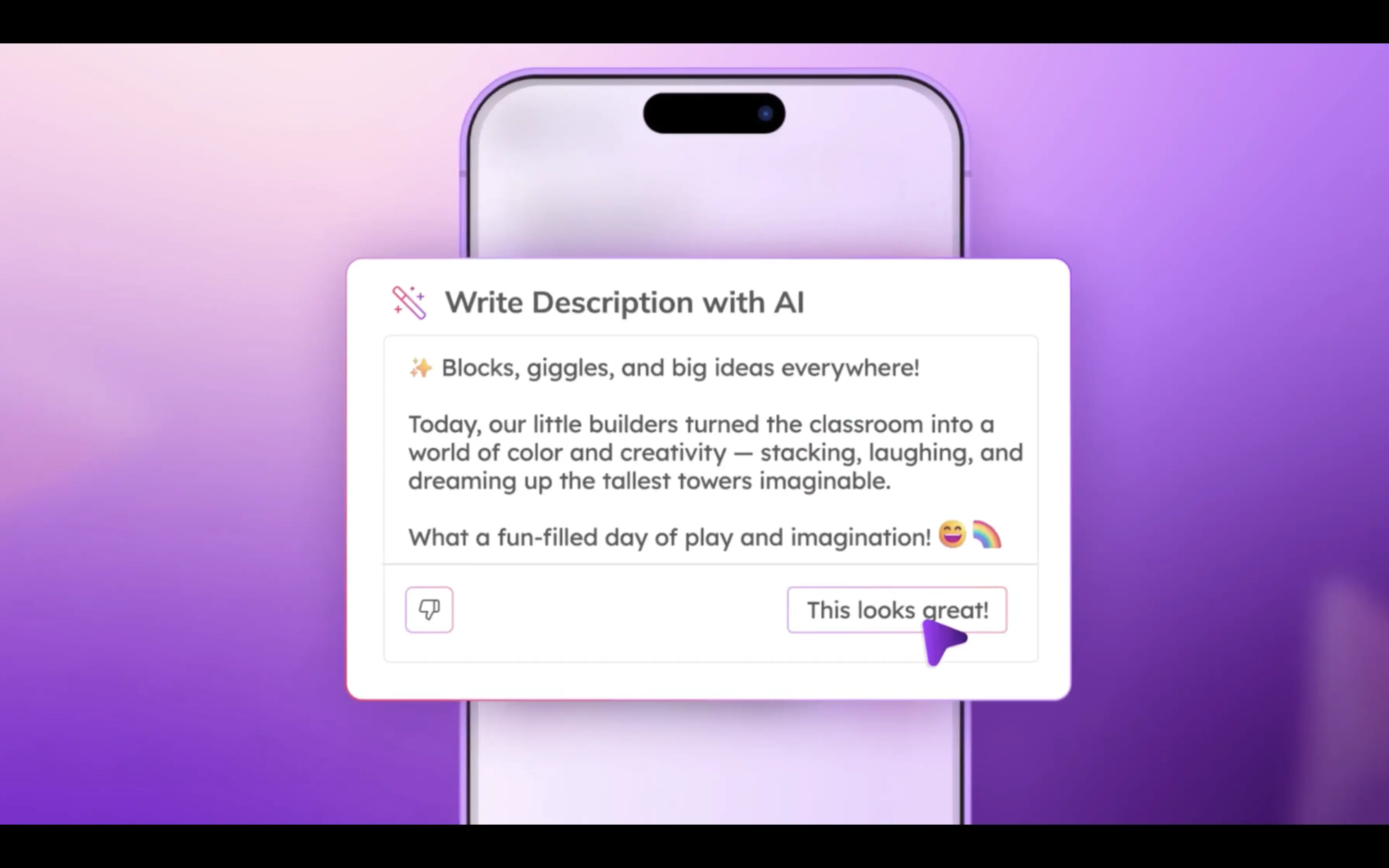
AI can support educators by reducing time spent writing while keeping reports personal and meaningful.
The right AI tool should:
- Protect child data and privacy
- Be easy for teachers to use
- Personalize each preschool daily report
- Support curriculum and milestones
- Strengthen parent communication
AI works best as a teaching assistant - not a replacement for educators.
Meet illumine AI Preschool Daily Reports
illumine introduces the first AI built specifically for preschool daily report writing.
It fits naturally into a teacher’s day and saves valuable time.
How It Works

1️⃣ Snap a Few Photos
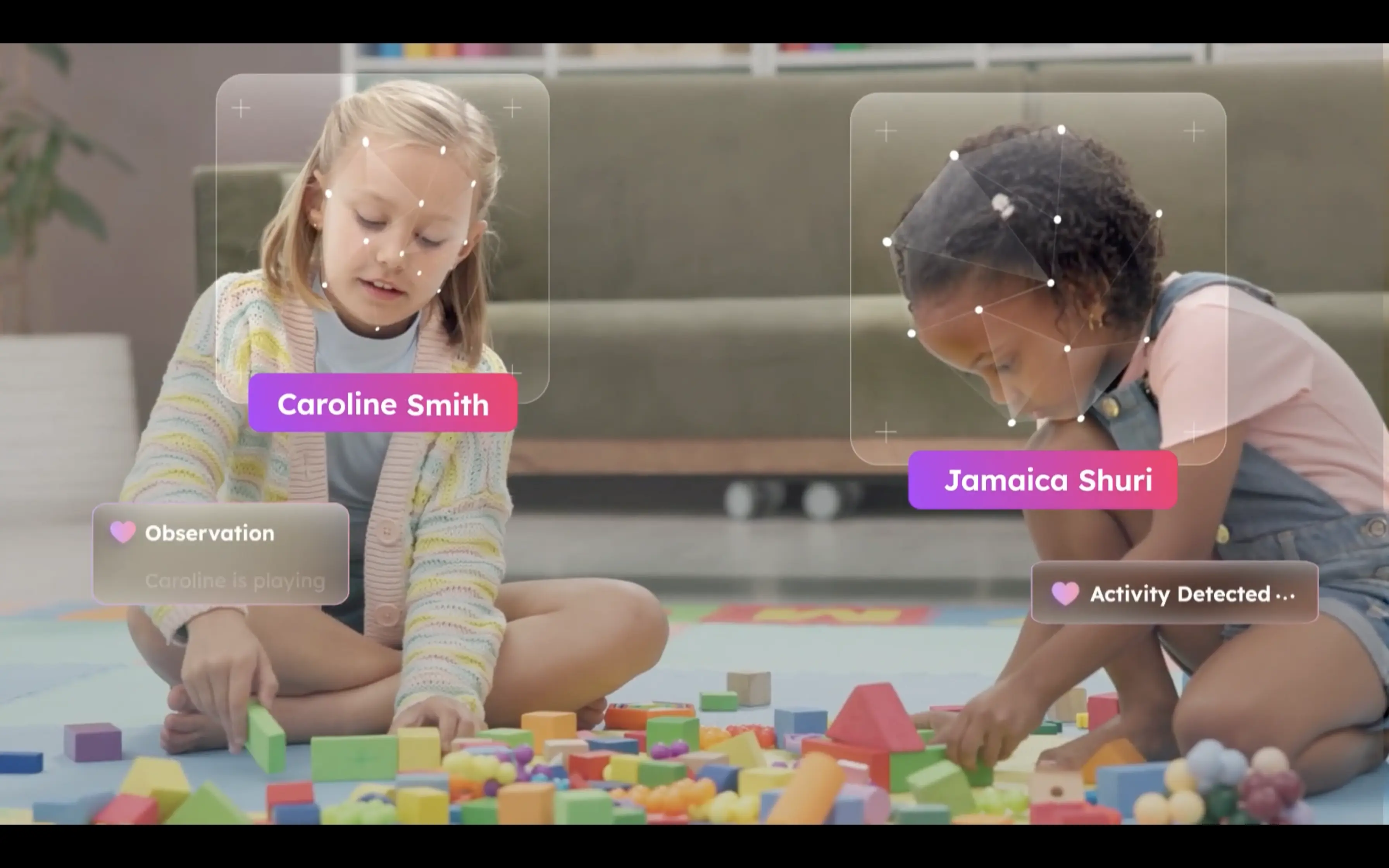
Capture circle time, art projects, snack, or play.
Just what you already do.
2️⃣ AI Writes the Preschool Daily Report
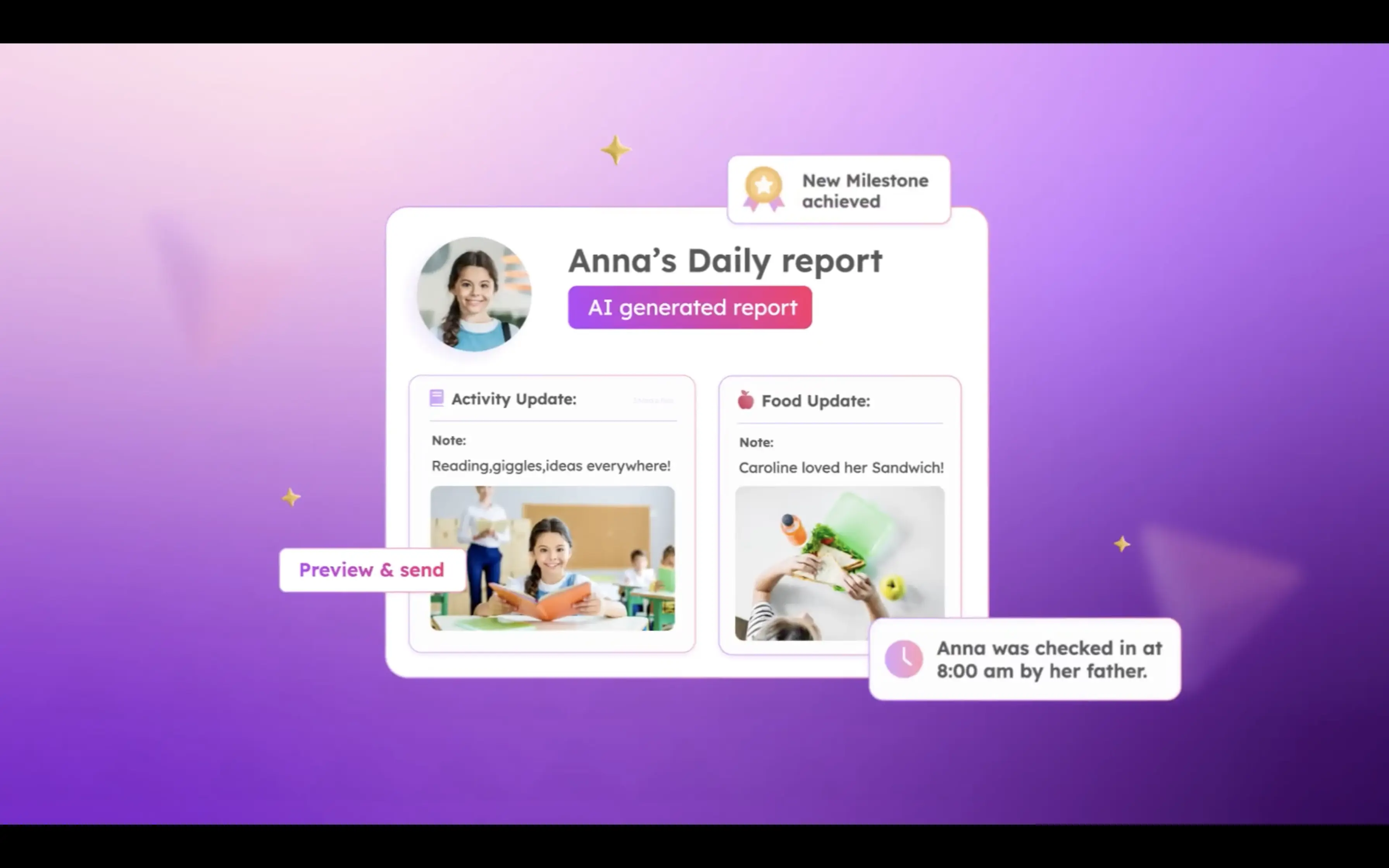
illumine turns those moments into a personalized daily story for each child.
Activities, milestones, and highlights are included automatically.
Teachers simply review and approve.
3️⃣ Share with Families

Reports are sent instantly to parents.
Families receive warm, detailed updates.
Teachers leave on time.
Parent communication improves.
Everybody wins. 🎉
Better Reports. Stronger Parent Communication. Happier Teachers.
When preschool daily reports become easier:
- Teachers feel less stressed
- Parents feel more connected
- Schools build stronger trust
- Classrooms focus more on children
AI-powered reporting isn’t about automation - it’s about giving teachers their time back and elevating parent communication.
And that’s a win for everyone in early childhood education.